Worldbuilding Field Notes
Practical field notes for the places, journeys and stories you put on a map.
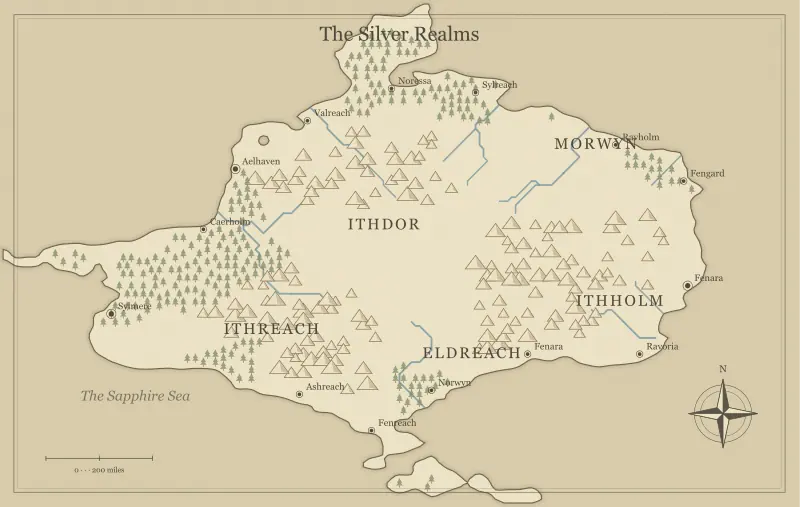
Fantasy Map Generator: A Practical Beginner’s Guide
Learn a practical fantasy map generator workflow: choose a scope, test a seed, rename useful places and save a map that supports your story.
Read the field note ↗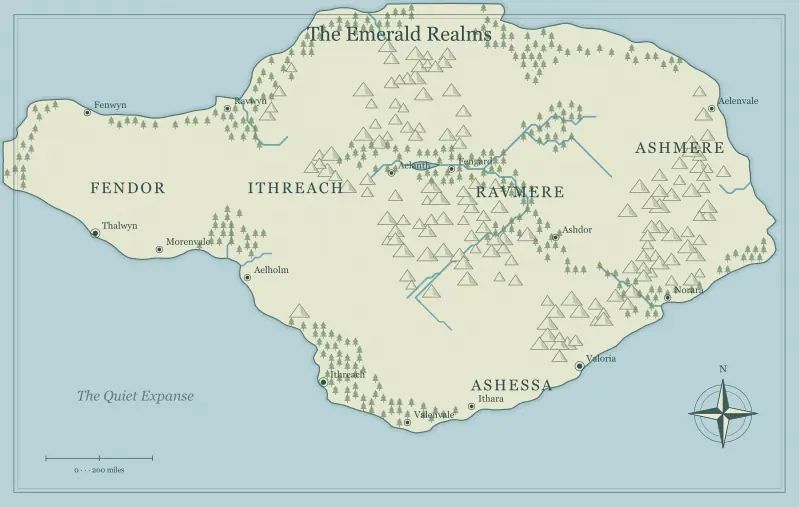
World, Continent, or Island: Choose the Right Fantasy Map
Choose a world, continent, island or archipelago in a fantasy map maker. Match the map’s scope to your story, campaign and next creative decision.
Read the field note ↗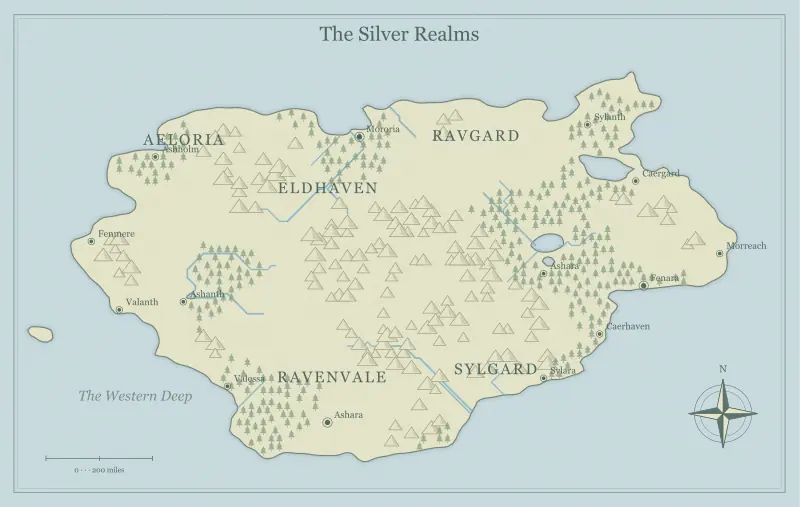
Build Your First World with a Free Fantasy Map Maker
Build a first world with a free fantasy map maker. Turn a short story brief into three useful locations, a route and a map you can keep editing.
Read the field note ↗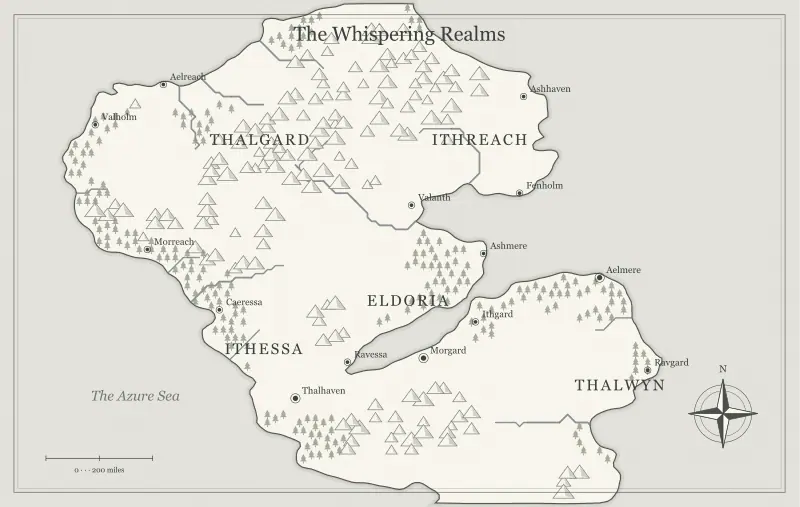
Fantasy Map Generator Seeds: Recreate and Share a World
Understand fantasy map generator seeds, settings and saved edits. Recreate a world, share a complete snapshot and preserve a reliable editable copy.
Read the field note ↗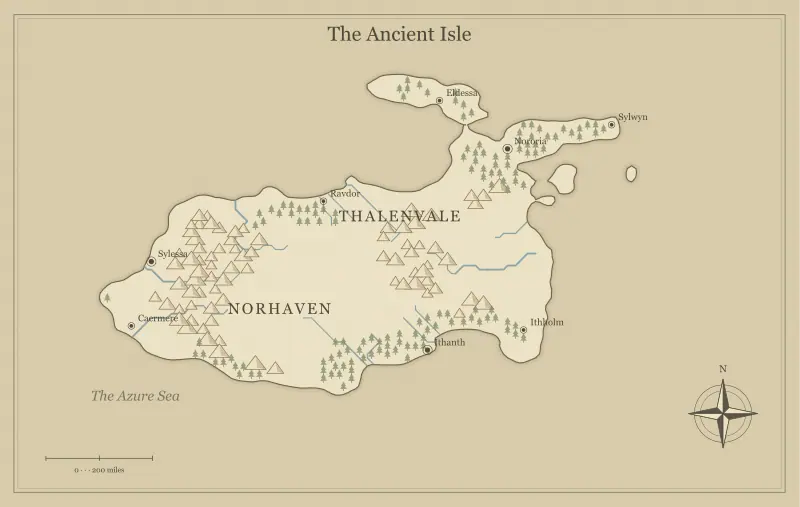
Choose an Art Style for Your Fantasy Map Maker
Compare parchment, atlas, ink, watercolor and nightfall styles. Choose a fantasy map maker look that supports readability, mood and your final format.
Read the field note ↗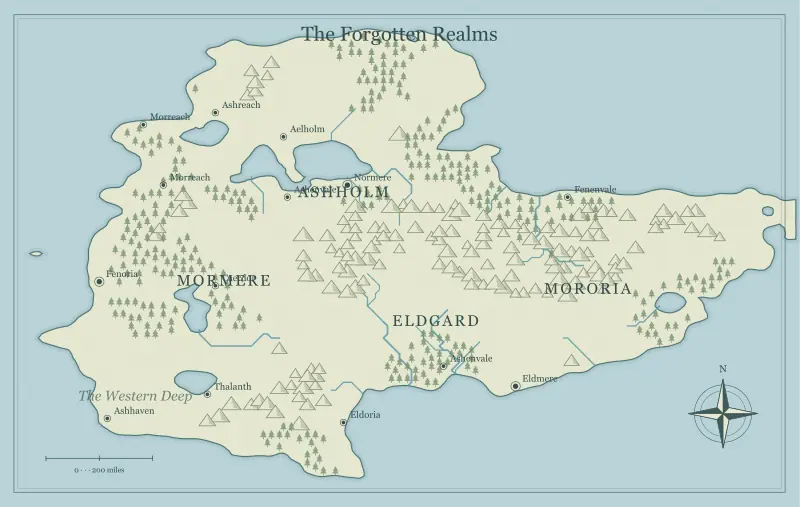
A Map Maker for Fantasy: From Idea to Finished Realm
Use a map maker for fantasy worlds with a clear brief, staged editing and a useful final export. Keep geography and story decisions working together.
Read the field note ↗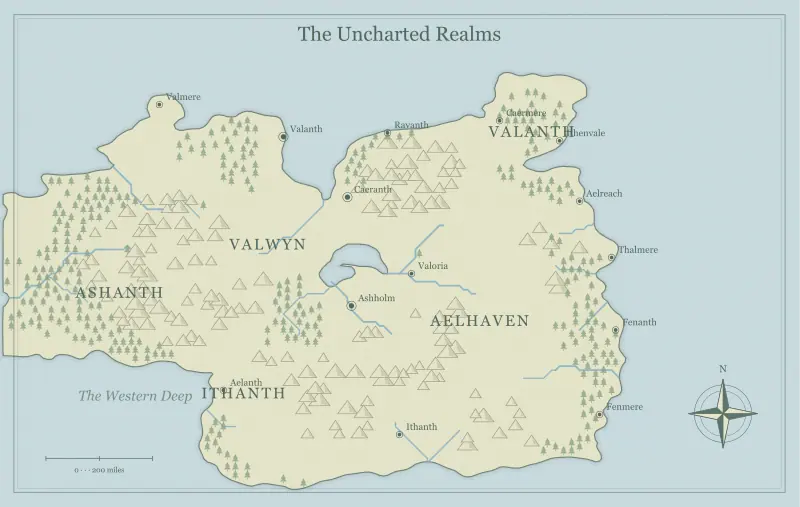
A Quality Checklist for Your Generated Fantasy Map
Review a generated fantasy map for readable labels, useful terrain and coherent travel. Use a practical checklist before committing to your world.
Read the field note ↗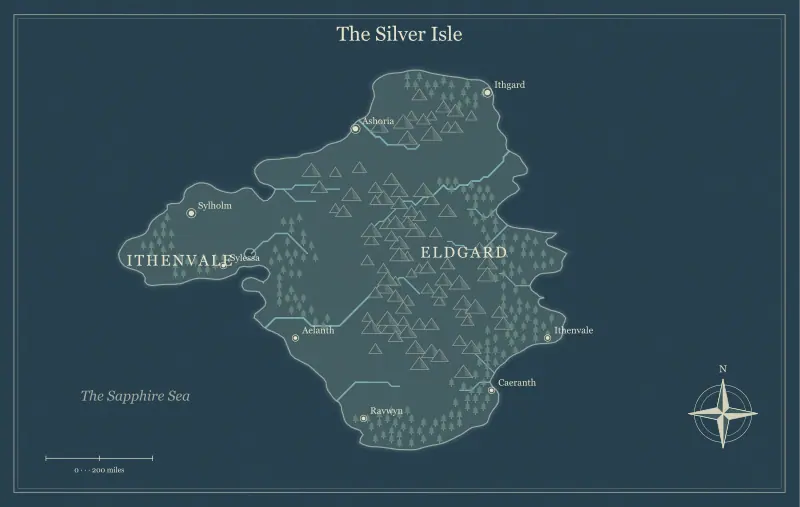
Use a Fantasy Map Maker on a Phone or Tablet
Create and edit a fantasy map on a phone or tablet. Use touch controls, zoom, fullscreen and saved files without losing track of your changes.
Read the field note ↗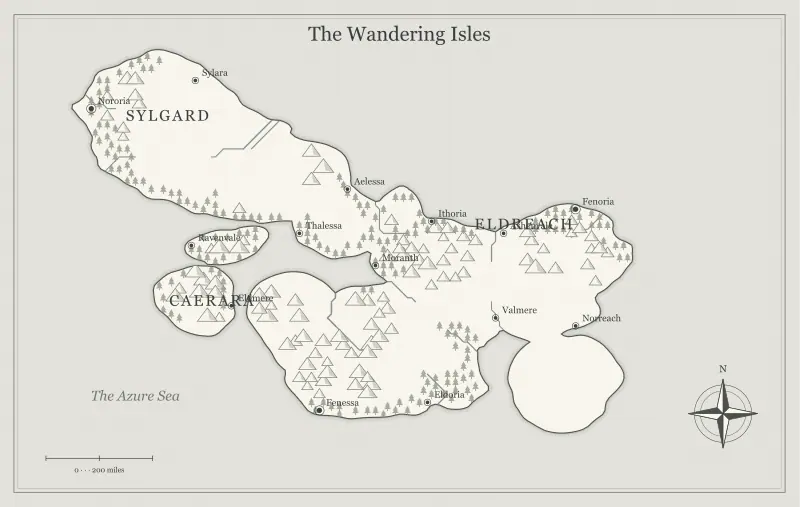
What a Free Fantasy Map Maker Can and Cannot Do
Understand a free fantasy map maker’s capabilities and limits. Separate world geography, regional illustrations and tactical battle maps before you start.
Read the field note ↗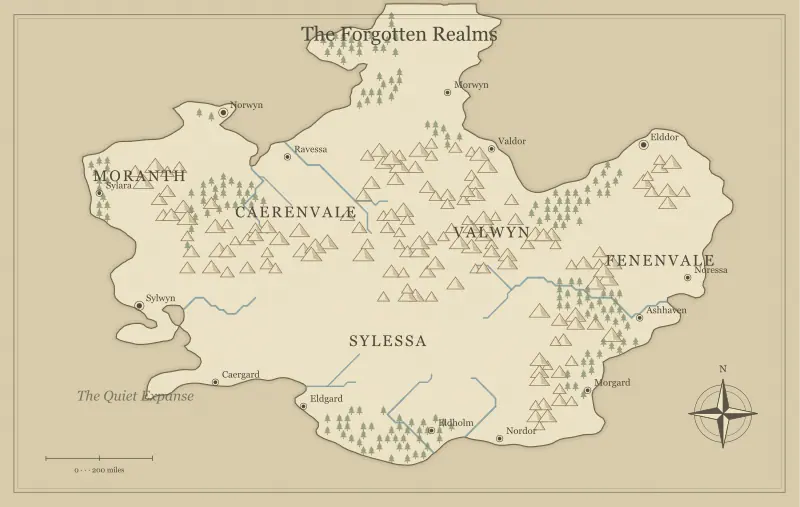
Improve a Generated Fantasy Map Without Starting Over
Improve a fantasy map through controlled iteration. Keep your seed, compare changes, protect edited names and avoid unnecessary regeneration.
Read the field note ↗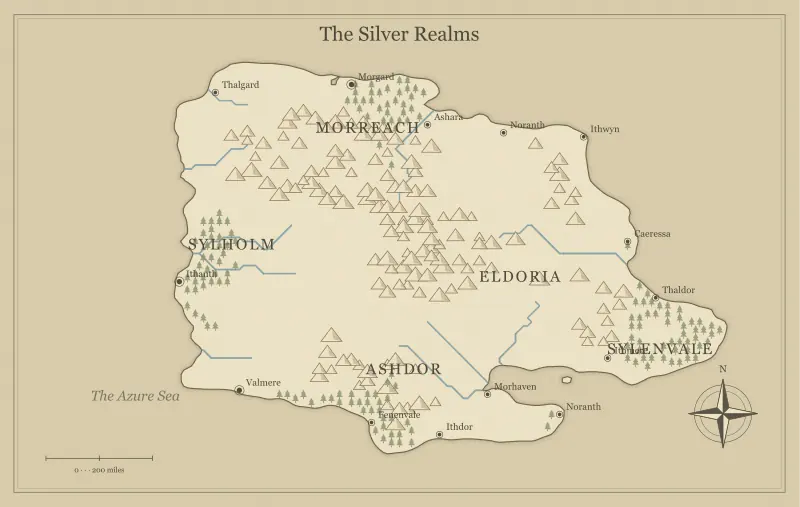
Build a Campaign World Your Players Can Explore
Build a D&D campaign world around a starting town, nearby danger and distant promise. Use your map to support exploration rather than overprepare lore.
Read the field note ↗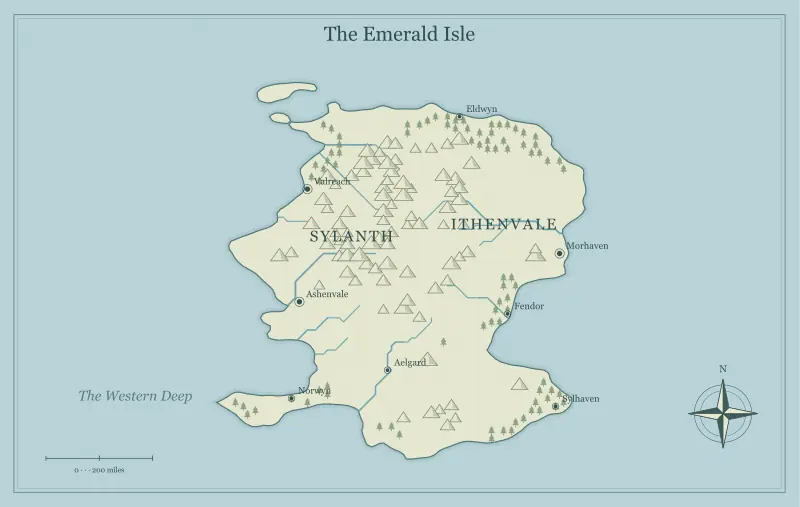
DND World Map Maker, No Login: Prepare Tonight’s Session
Use a DND world map maker with no login to prepare a playable session. Create a small region, two destinations and a readable player handout.
Read the field note ↗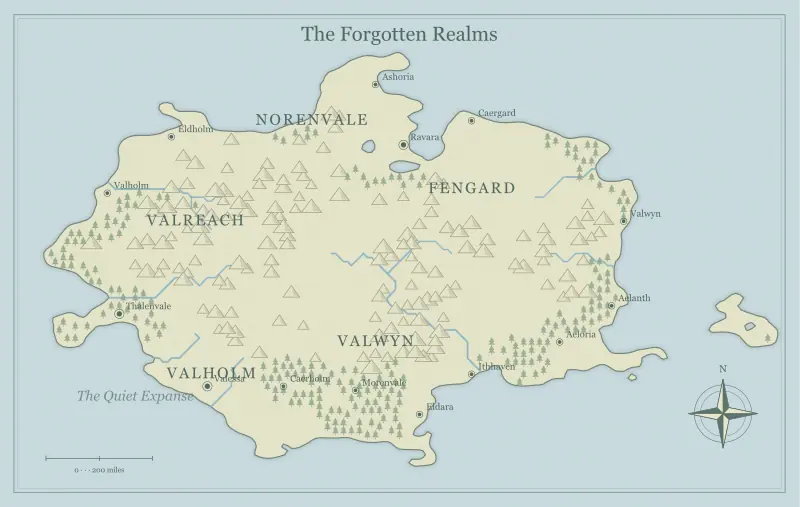
Build a Sandbox Campaign Map with Meaningful Choices
Design a sandbox campaign map with choices that matter. Connect terrain, rumors and travel routes without forcing players through a single sequence.
Read the field note ↗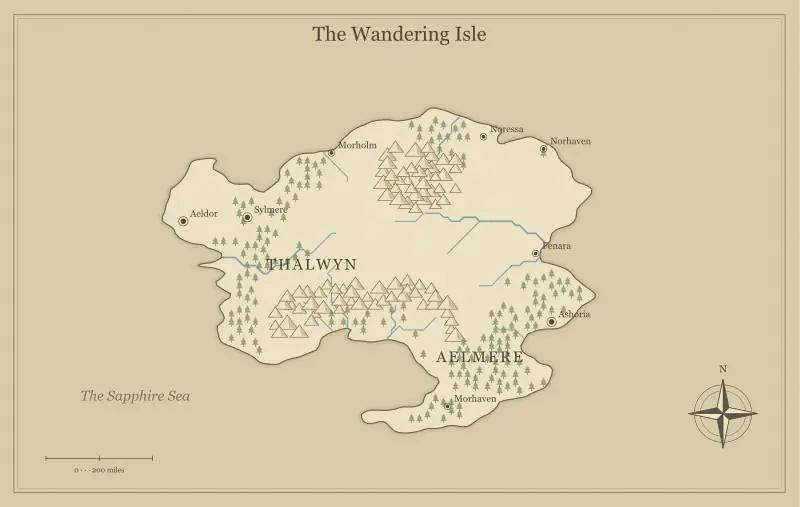
Create an Island Map for a D&D One-Shot Adventure
Build a fantasy island for a D&D one-shot. Plan an arrival, a meaningful obstacle and a clear objective within a map small enough for one session.
Read the field note ↗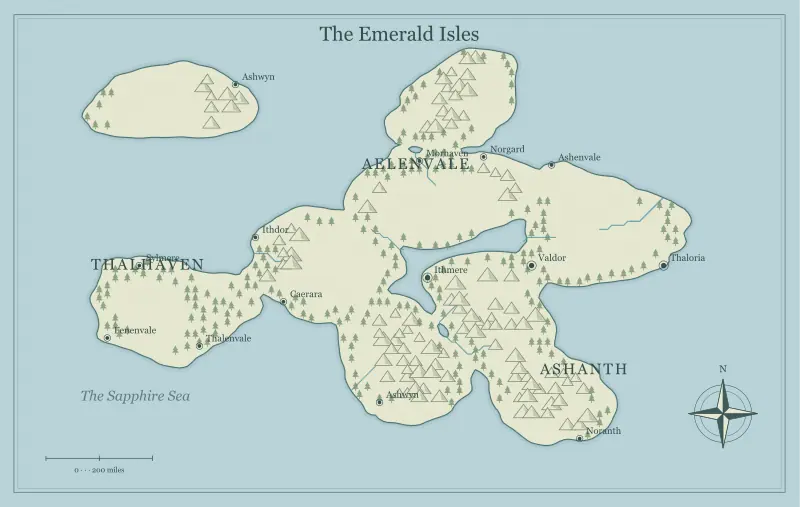
Map a Pirate Campaign Across a Fantasy Archipelago
Create a pirate campaign map with an archipelago. Plan ports, sea passages, island roles and information that makes navigation part of the adventure.
Read the field note ↗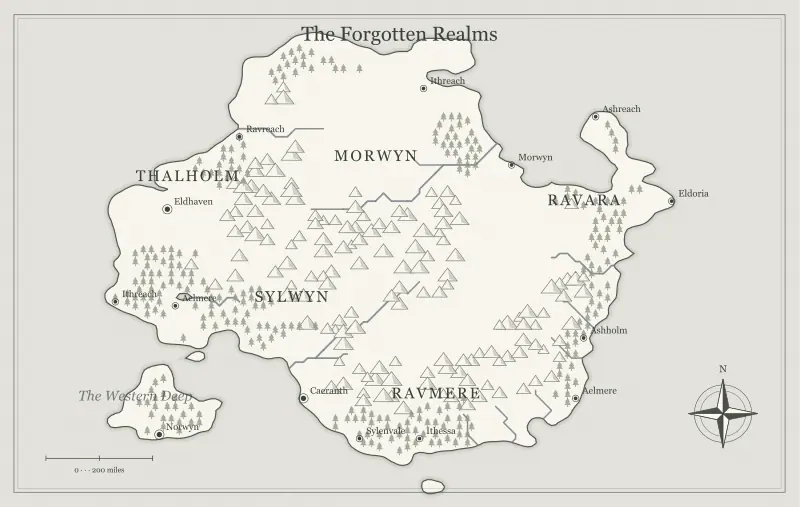
Make Player and DM Versions of the Same Fantasy Map
Create player and DM copies of a fantasy world map. Keep discoveries separate from private preparation and preserve the same geographic baseline.
Read the field note ↗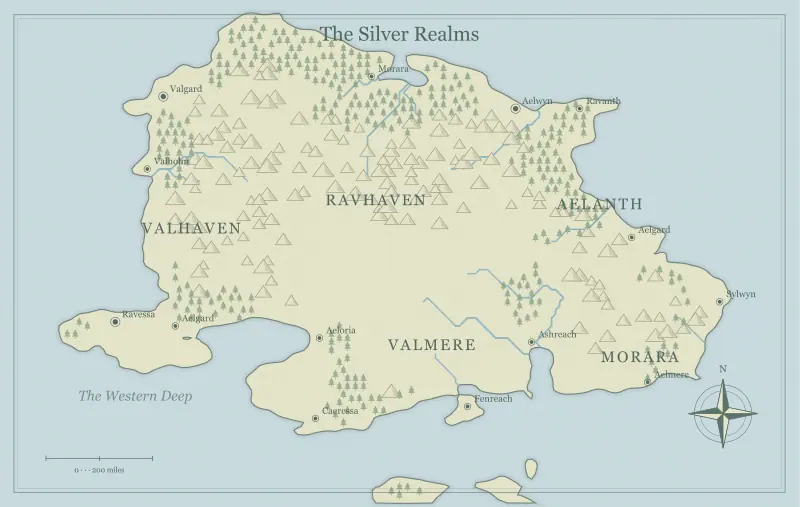
Plan D&D Travel Routes That Create Better Adventures
Use a fantasy campaign map to plan interesting travel routes. Compare detours, crossings and shortcuts while keeping choices clear for your players.
Read the field note ↗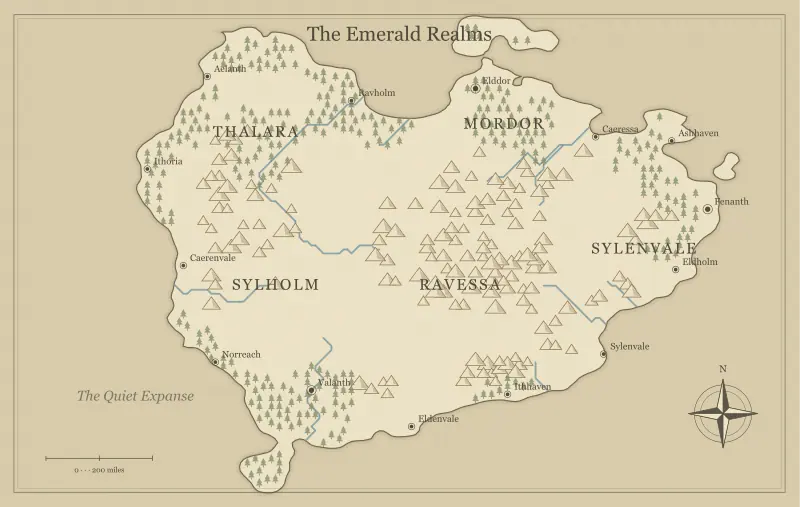
Design a Frontier Town’s Place in a Fantasy World
Place a frontier town in a fantasy setting with believable routes, resources and pressures. Connect a small settlement to the wider campaign map.
Read the field note ↗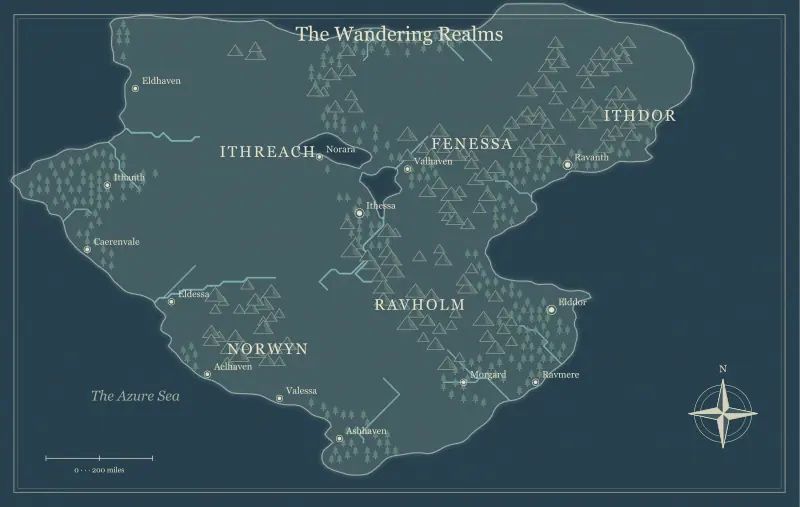
Show Campaign Factions Without Overcrowding Your Map
Show factions and contested territory on a campaign map without clutter. Separate control, influence and uncertainty using labels and companion notes.
Read the field note ↗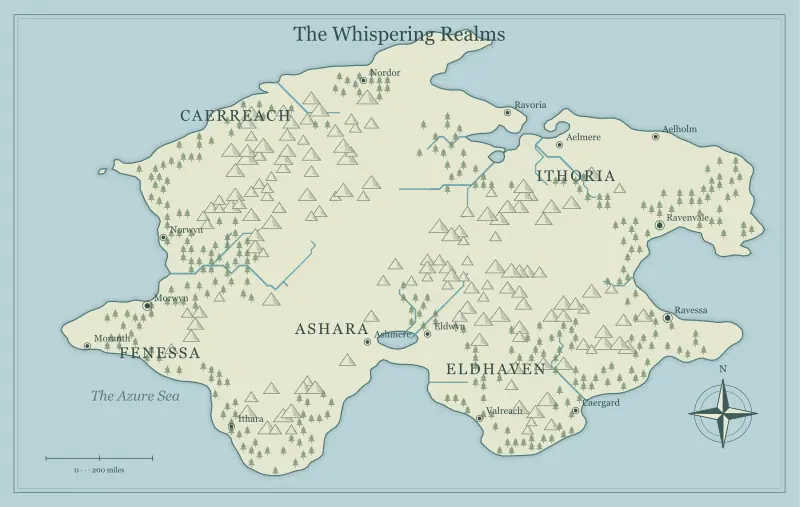
Keep Your Campaign Map Useful Between Sessions
Update a D&D world map between sessions. Record discoveries, manage version names and keep player handouts consistent with what the group knows.
Read the field note ↗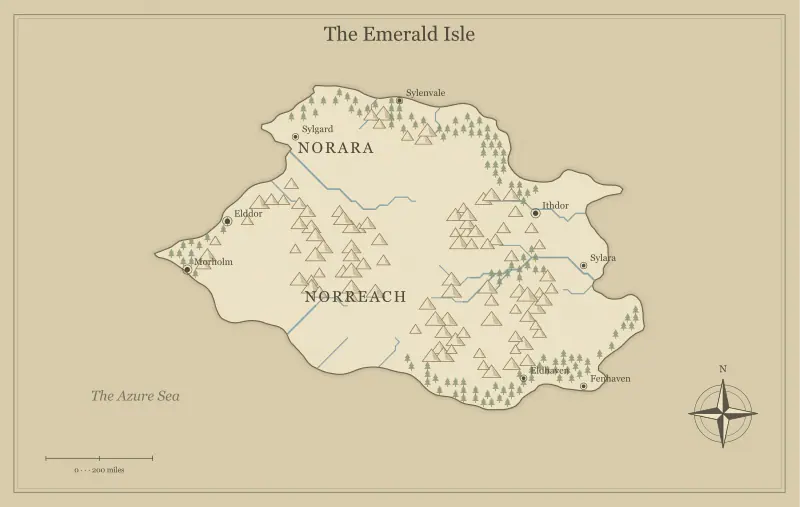
Create Fantasy Coastlines That Suggest Real Adventures
Design fantasy coastlines with bays, headlands and channels that suggest journeys. Review the shoreline as both a shape and a setting for adventure.
Read the field note ↗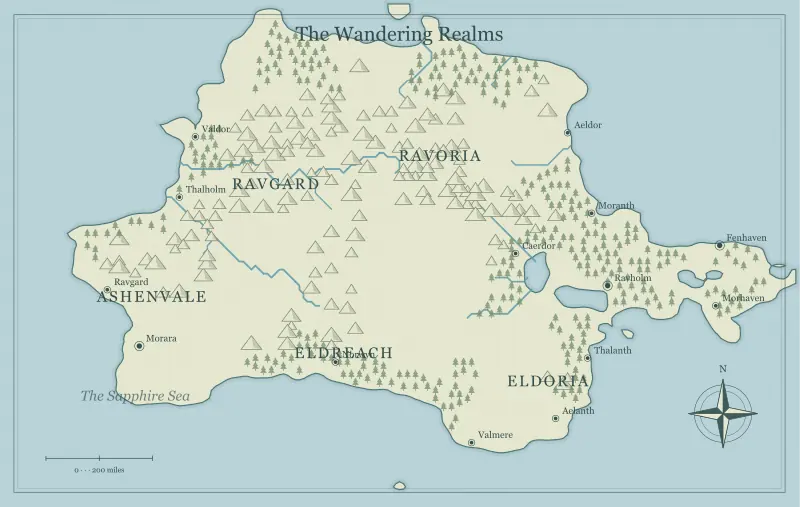
Design Rivers That Make Your Fantasy Map Believable
Make fantasy map rivers easier to believe. Understand drainage, tributaries and settlements, then review how waterways serve your fictional geography.
Read the field note ↗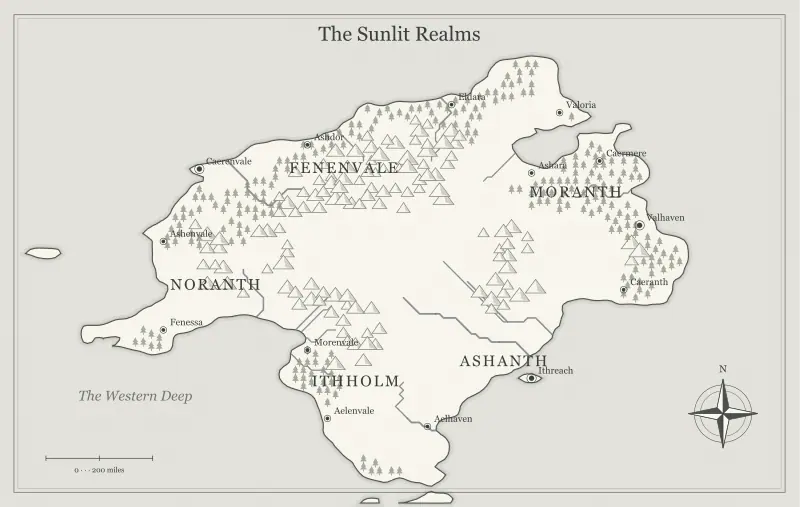
Use Mountain Ranges to Shape a Fantasy World
Use mountain ranges to shape journeys, borders and settlements. Find useful passes and valleys in a generated fantasy map without overloading it.
Read the field note ↗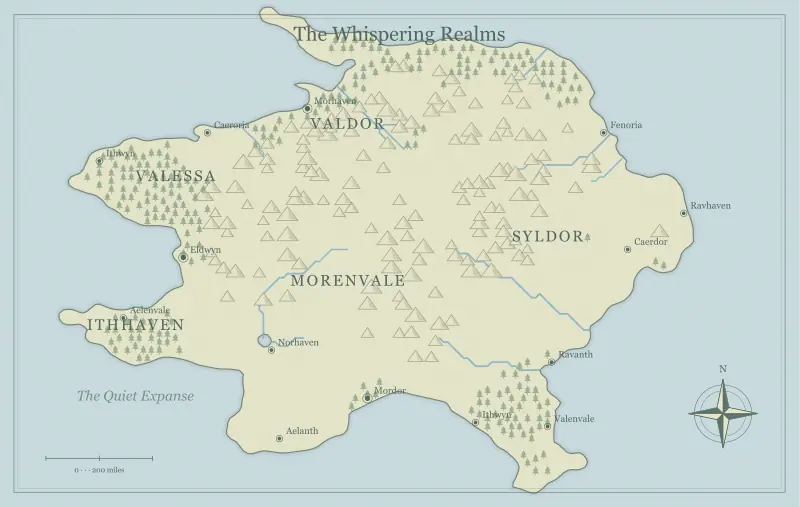
Place Forests with Purpose in Your Fantasy Map
Give forests a role in your fantasy map. Connect woodland edges, clearings and routes to local livelihoods, mysteries and the scale of your story.
Read the field note ↗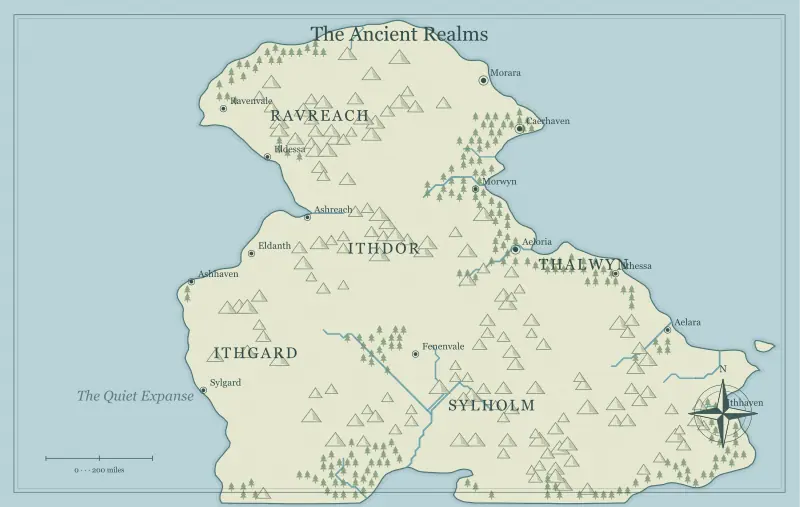
Plan Climate and Biomes Around a Generated Fantasy Map
Plan climate and biomes around a fantasy world map. Add a consistent climate brief while recognizing what a procedural map does not simulate.
Read the field note ↗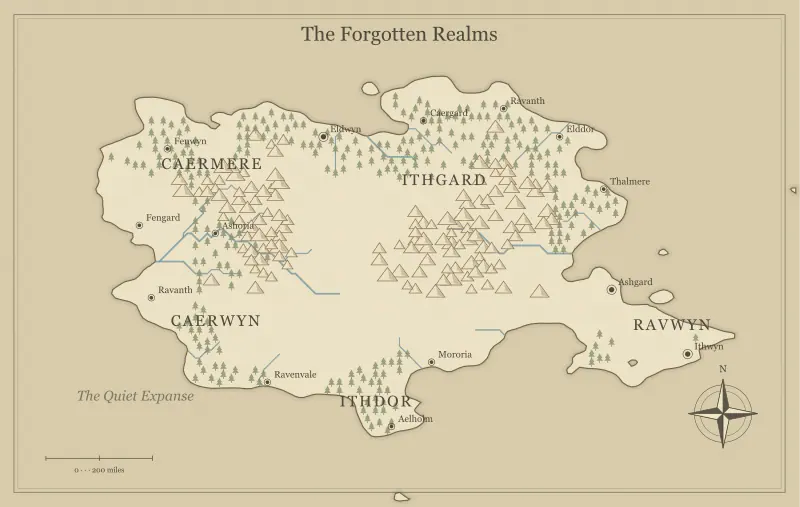
Where Should Cities Go on a Fantasy World Map?
Choose believable locations for fantasy cities. Use ports, river crossings and trade junctions to connect settlement placement with story opportunities.
Read the field note ↗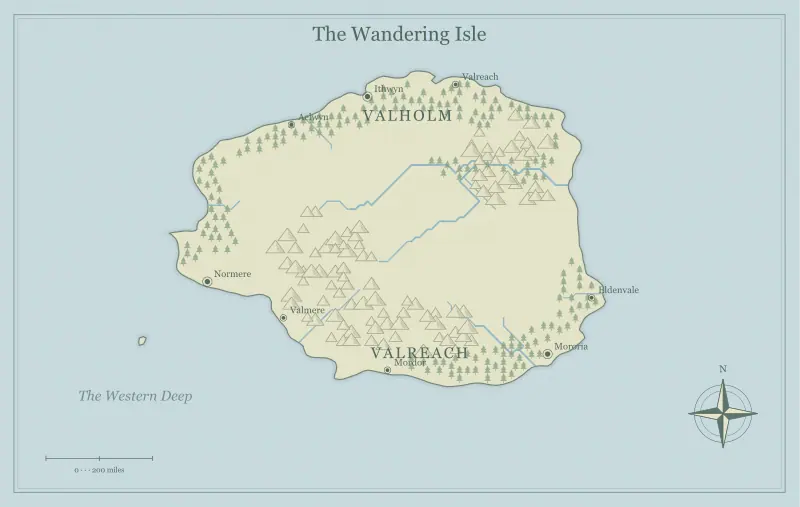
Choose Island Shapes for Different Fantasy Stories
Choose a fantasy island shape for your story. Compare central peaks, broken shores and offshore islets, then translate the outline into useful locations.
Read the field note ↗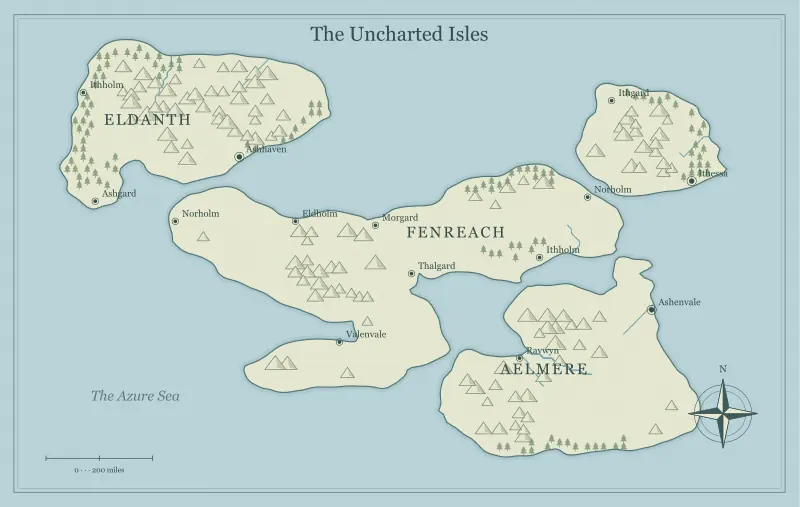
Make an Archipelago Feel Like a Connected World
Build a connected fantasy archipelago with routes, shared resources and distinct island roles. Make the spaces between islands part of the world.
Read the field note ↗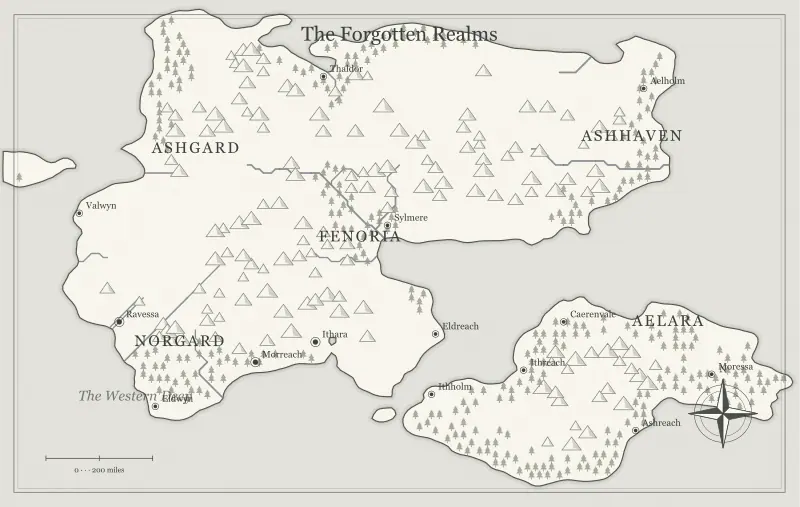
Set a Useful Scale for Your Fantasy Map
Set a useful fantasy map scale without false precision. Distinguish world, regional and scene distances, then match travel notes to your story’s needs.
Read the field note ↗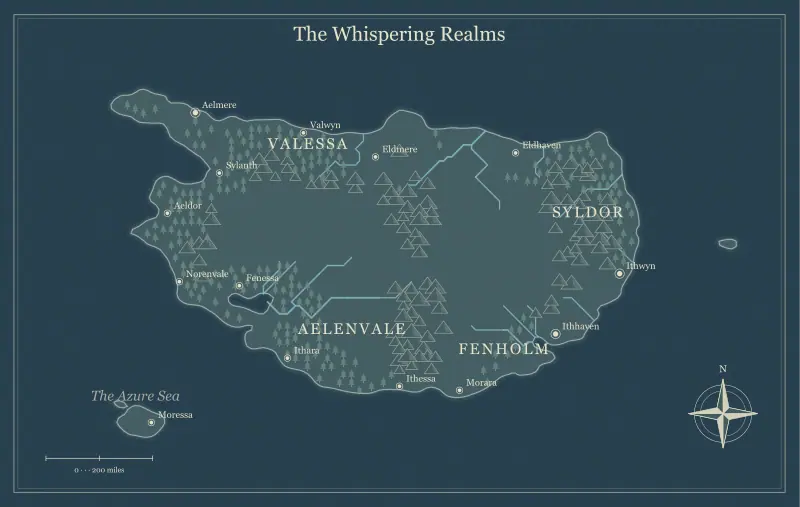
Draw Believable Borders and Frontiers in a Fantasy Realm
Design borders and frontiers for a fantasy realm. Connect natural barriers, crossings and disputed ground to how people actually move through the setting.
Read the field note ↗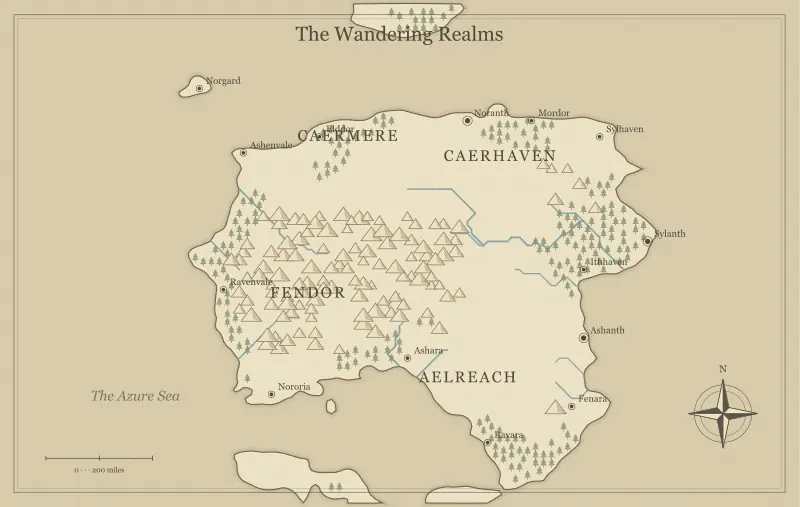
Use a Fantasy Map Maker to Plan a Novel’s Setting
Plan a novel’s setting with a fantasy map maker. Connect geography to scenes, manage reader-facing detail and keep a separate working map for drafting.
Read the field note ↗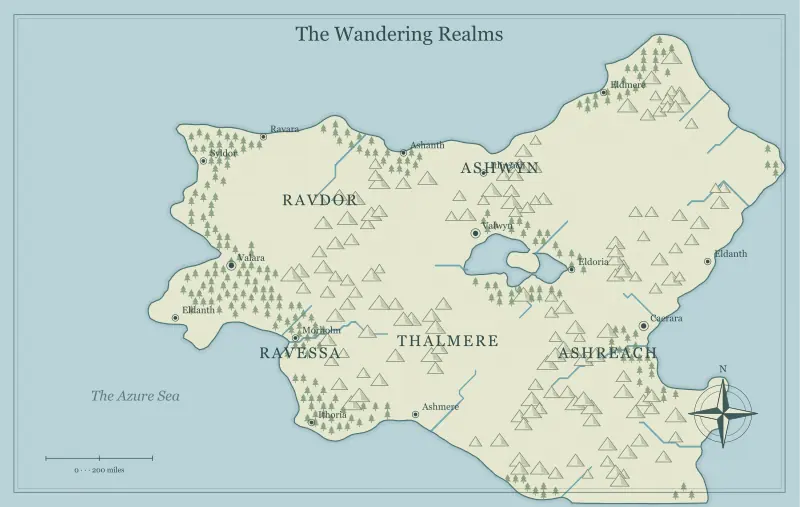
Give Your Fantasy World Memorable Names
Create memorable fantasy place names with shared sounds, local meaning and clear lettering. Rename towns and realms without confusing readers or players.
Read the field note ↗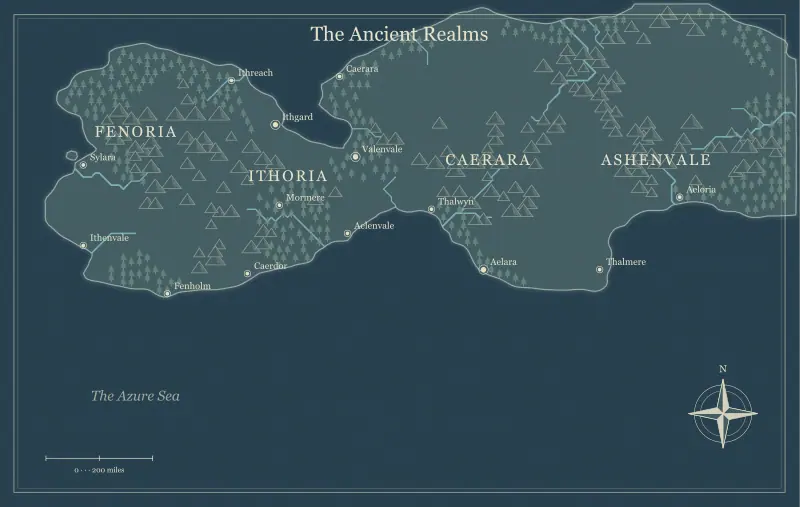
Build Fantasy Kingdoms Around Geography and Conflict
Build fantasy kingdoms around resources, movement and conflict. Let political relationships grow from a world map without treating borders as fixed facts.
Read the field note ↗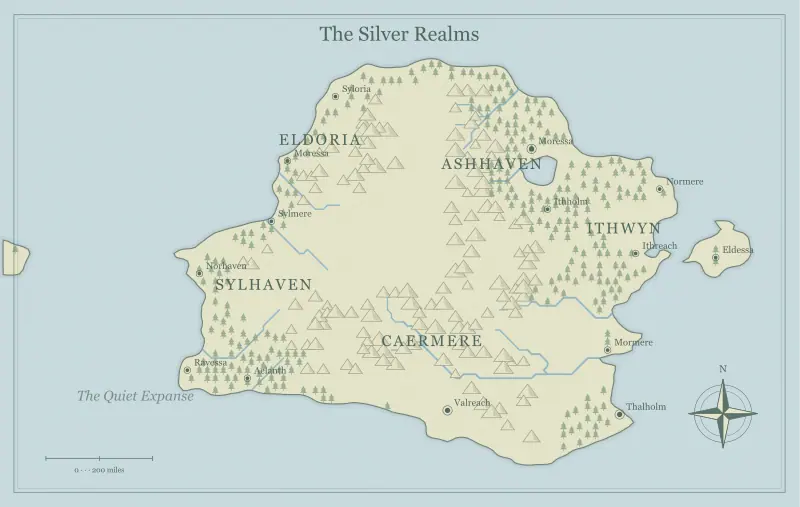
Map a Character’s Journey Without Flattening the Story
Map a character’s journey while preserving narrative tension. Use thresholds, detours and returns to connect physical travel with changing motivations.
Read the field note ↗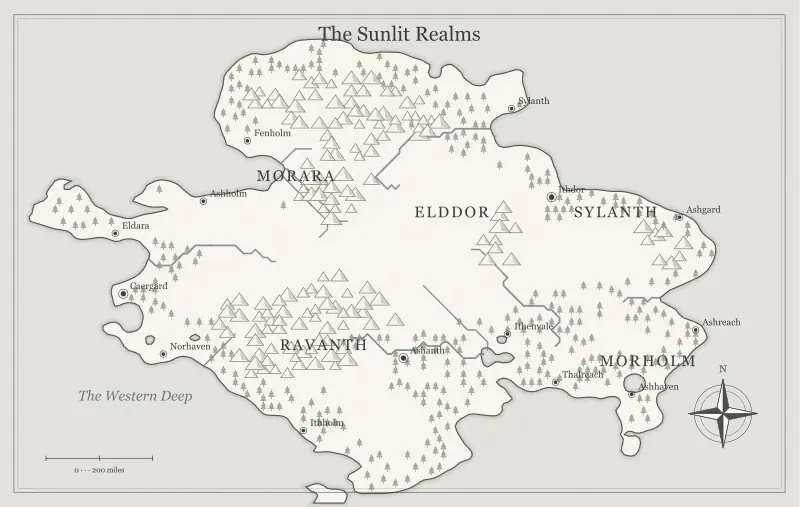
Add Ruins and Landmarks That Give a Map History
Add ruins and landmarks that suggest a fantasy world’s history. Use old routes, abandoned places and present-day consequences without filling every space.
Read the field note ↗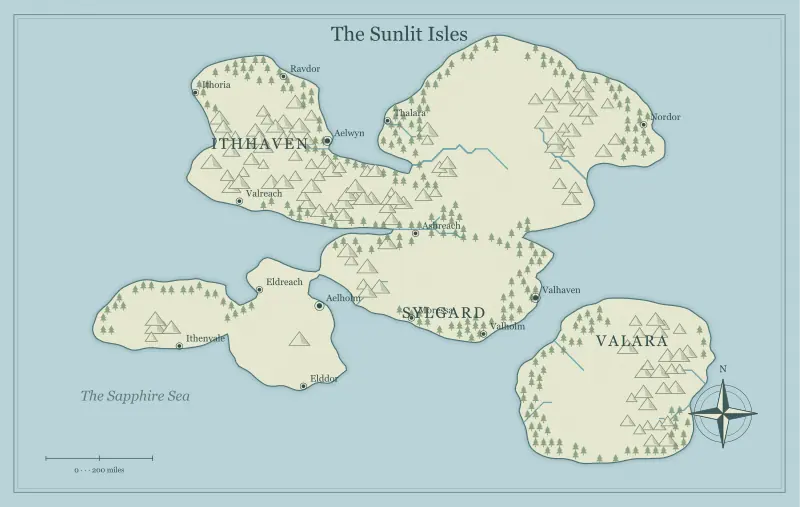
Design Trade Routes for a Living Fantasy World
Plan fantasy trade routes around production, transport and demand. Connect ports and markets while keeping the economics useful for storytelling.
Read the field note ↗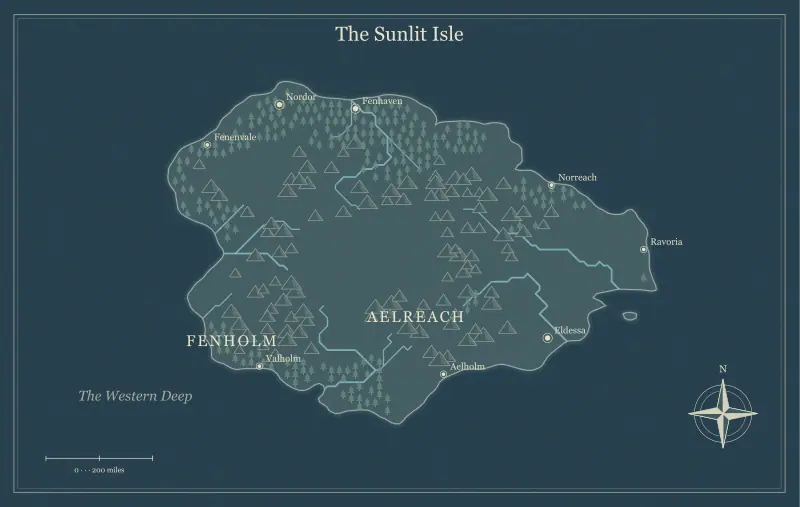
Map Hidden Realms, Secret Valleys, and Lost Islands
Create hidden realms, secret valleys and lost islands on a fantasy map. Manage entrances, clues and revealed information without spoiling the mystery.
Read the field note ↗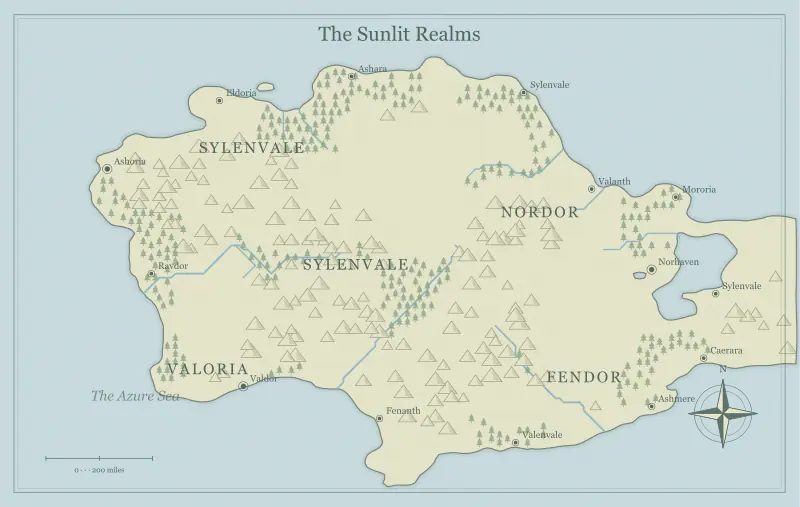
Make Magical Geography Follow Your World’s Own Rules
Design magical geography with consistent rules. Connect supernatural causes, local consequences and human responses to the map’s everyday landscape.
Read the field note ↗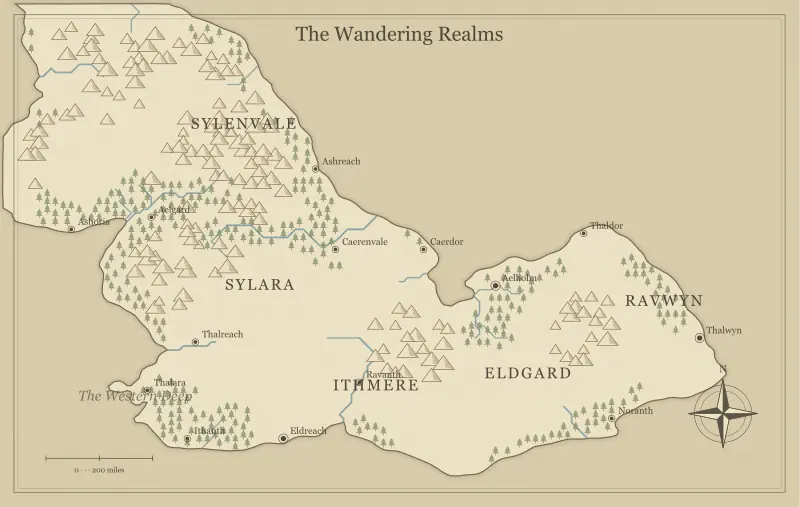
Build a Shared Fantasy World with Other Writers
Collaborate on a fantasy world map with clear baselines, region ownership and review notes. Share editable files without overwriting another writer’s work.
Read the field note ↗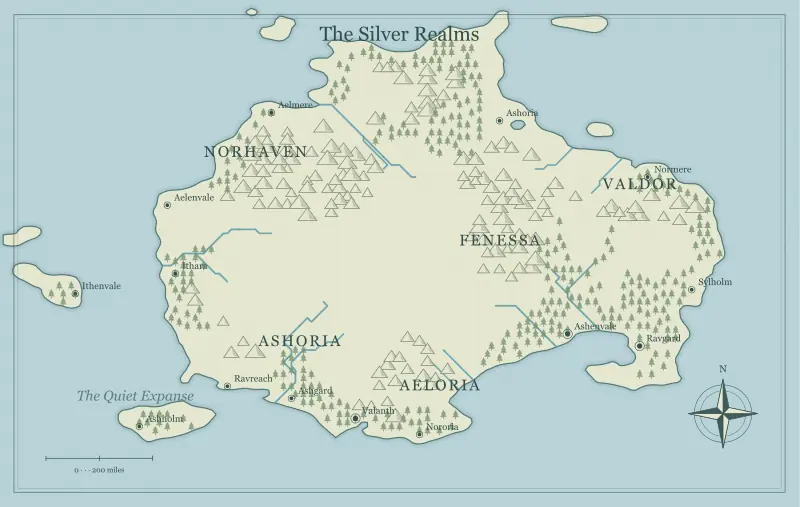
Turn a Fantasy Map into a Useful Worldbuilding Notebook
Turn a fantasy map into a practical worldbuilding notebook. Use stable place identifiers, short notes and linked story threads to keep ideas retrievable.
Read the field note ↗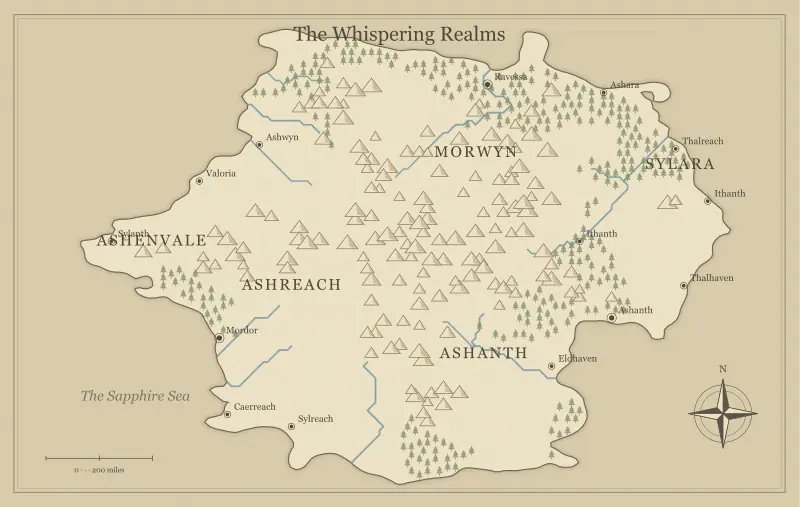
Prepare Your Fantasy Map for Print and Play
Prepare a fantasy map for print and tabletop play. Choose an export format, calculate useful dimensions and preserve an editable file for later changes.
Read the field note ↗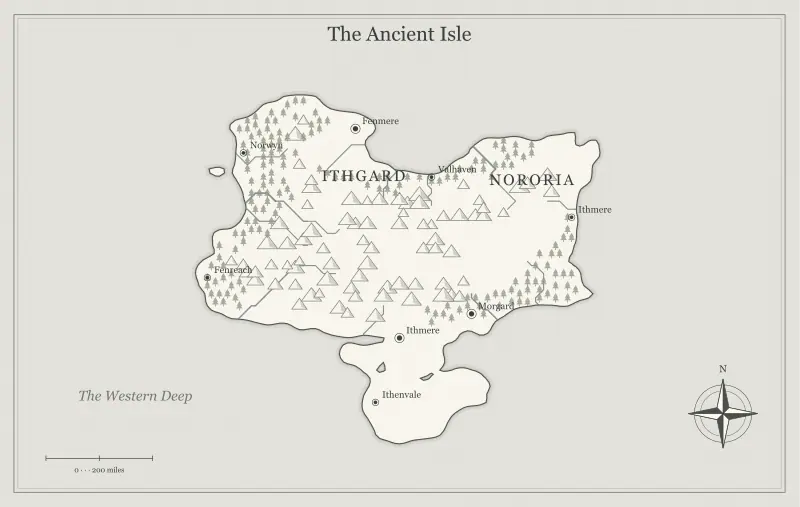
PNG, SVG, or JPG: Choose a Fantasy Map Export Format
Compare PNG, SVG and JPG for fantasy maps. Understand pixels, vector shapes, typography and editable files before choosing the export for your project.
Read the field note ↗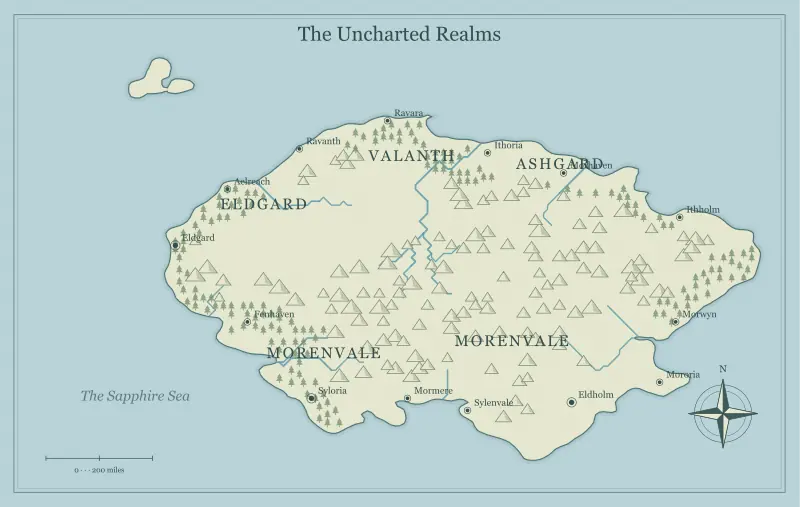
Make Fantasy Map Labels Clear and Beautiful
Make fantasy map labels readable with clear hierarchy, thoughtful placement and consistent lettering. Balance mood with useful information on the page.
Read the field note ↗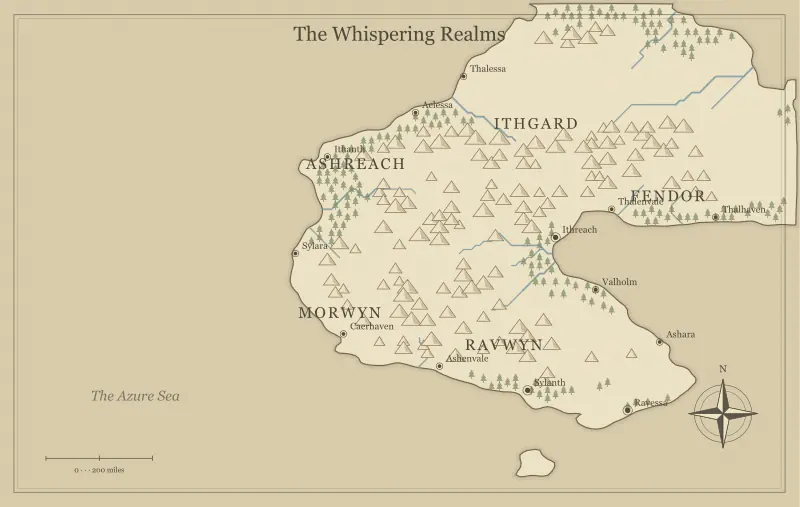
Print a Fantasy Map at the Right Size and Resolution
Calculate fantasy map print size from pixel dimensions. Choose a resolution, protect readable labels and review an actual-size proof before printing.
Read the field note ↗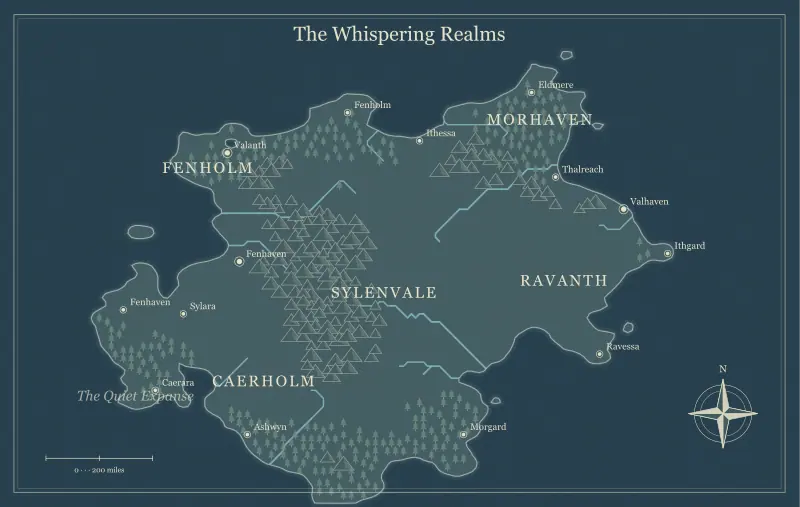
Prepare a Fantasy World Map for a Virtual Tabletop
Prepare a fantasy world map for a virtual tabletop. Keep a clean player copy, check readable dimensions and separate geography from encounter grids.
Read the field note ↗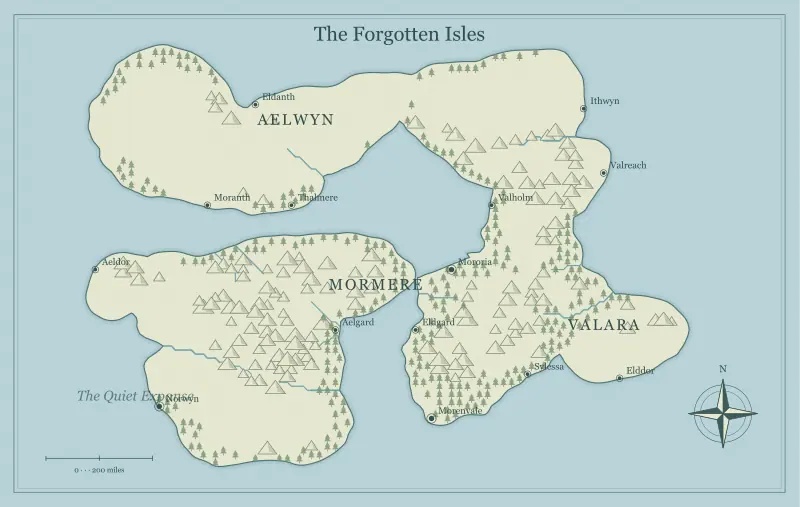
Save, Reopen, and Version Your Editable Fantasy Map
Save and reopen an editable fantasy map without losing settings or landmarks. Use a simple versioning routine and keep exports separate from source files.
Read the field note ↗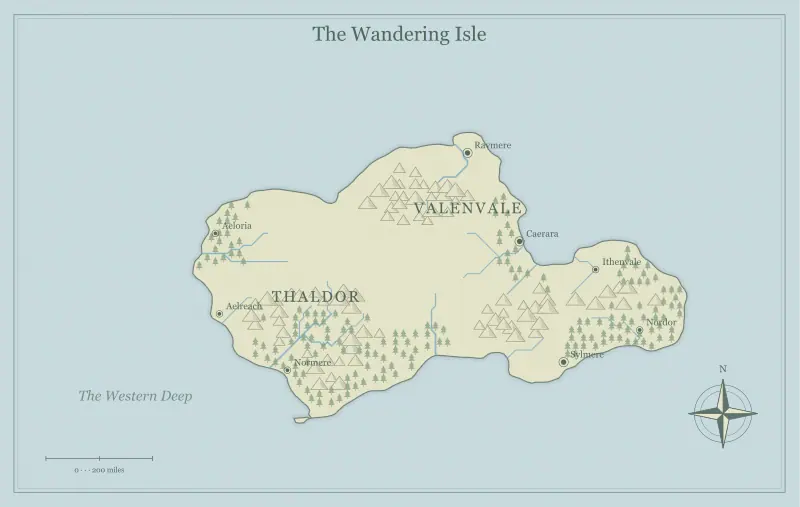
Share a Fantasy Map Link Without Losing Your Edits
Share a fantasy map link with its settings and edits intact. Check sensitive names, preserve a saved file and verify what the recipient can see.
Read the field note ↗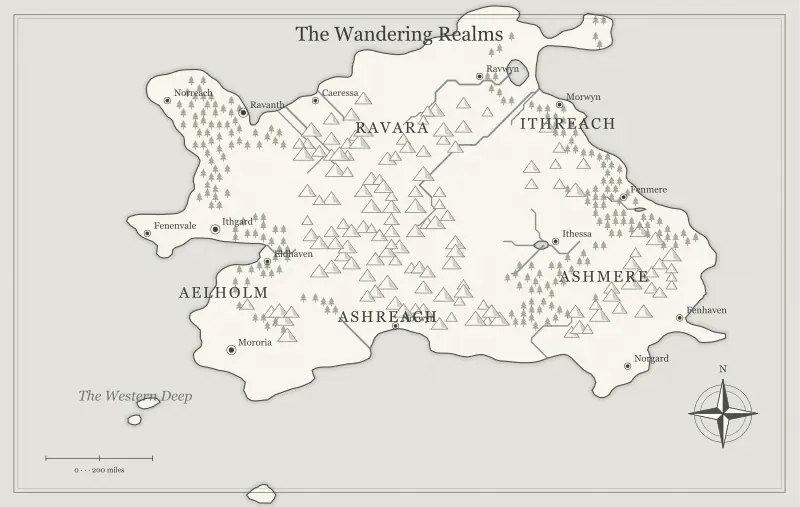
Design Fantasy Maps That Work in Black and White
Create fantasy maps that remain readable in black and white. Use value contrast, distinct symbols and a grayscale proof instead of relying on color.
Read the field note ↗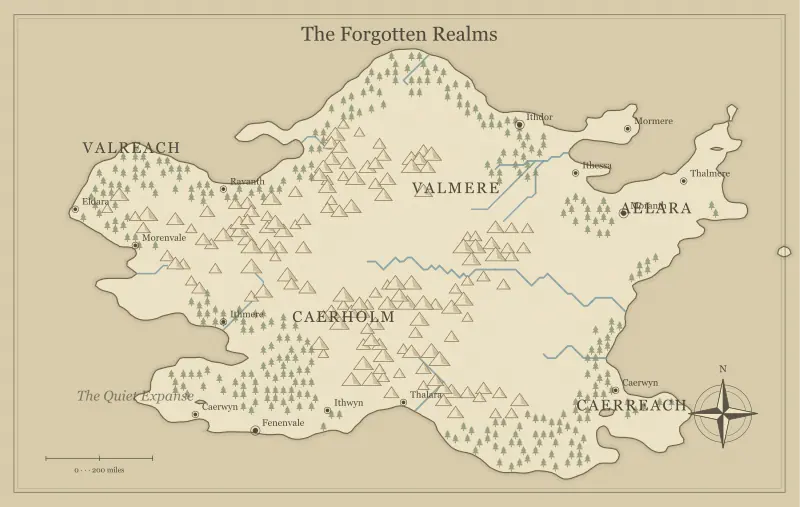
Edit Fantasy Map Landmarks, Labels, and Custom Details
Edit fantasy map landmarks and labels with a deliberate workflow. Add useful details, move crowded text and use undo without losing your wider design.
Read the field note ↗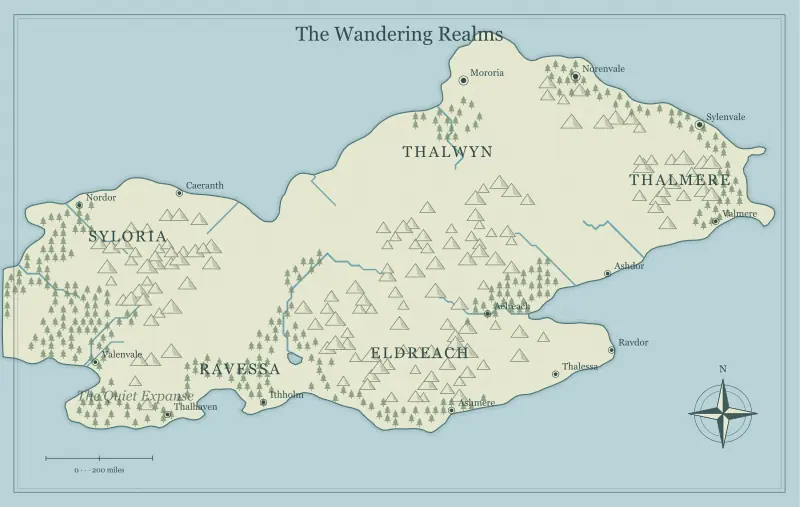
Review a Fantasy Map Before You Publish or Share It
Review a fantasy map before publication or sharing. Check geography, typography, story consistency, export dimensions and the reader’s actual experience.
Read the field note ↗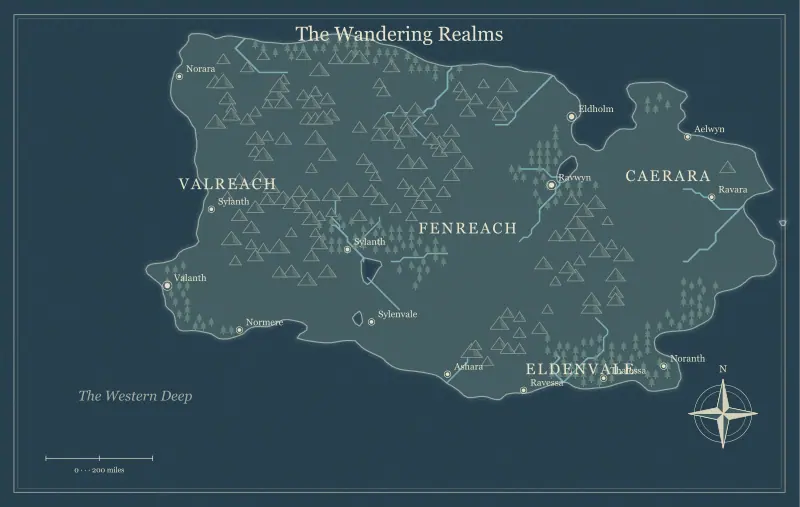
Fantasy Name Generator: Create Names with a World Behind Them
Create memorable character, town and kingdom names with a fantasy name generator. Learn naming patterns, pronunciation checks and a practical editing workflow.
Read the field note ↗No field notes match that search. Try a broader word or another topic.