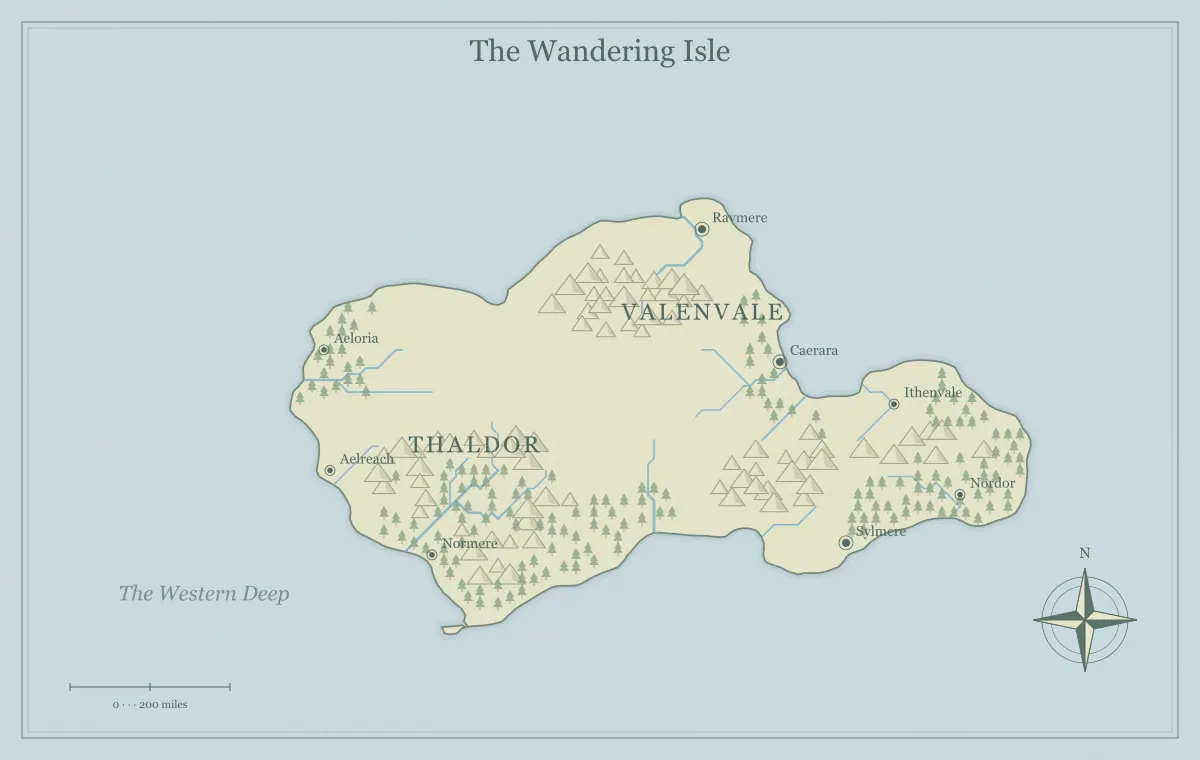
A fantasy map share link is a convenient way to hand over supported settings and edits without asking the recipient to recreate them manually. It is useful for showing a world to a collaborator, returning to an edition on another browser, or letting a friend explore the map. Convenience does not make the link a private invitation system, a permanent hosted project, or a substitute for checking what you are sharing. Treat the complete link as an artifact with its own audience and purpose.
This guide follows a fictional map called the Moonbridge Isles. Its creator wants to share an approved player edition with a game group and a working creator edition with one collaborator. The two handoffs require different reviews. The website has no collaborator accounts or access permissions attached to these links. Anyone receiving a complete compatible link can inspect the information it carries and open the supported map state.
Understand what the link carries
The Share action builds a URL containing the map's supported settings and edits in a fragment beginning with #map=. Those data include generation choices and edited or added content. The recipient's browser uses the embedded data to recreate the map under the generator's implementation. This is different from creating an account-based project on a server and sending an invitation to view it.
The fragment is encoded for the URL, but encoding is not a promise of confidentiality. Someone who has the complete link can examine its data. Avoid adding private personal information or campaign secrets to an edition you intend to share broadly. A readable label is not the only place where information can exist; supported edit data may retain a name whose visibility has been changed.
The Privacy Policy explains URL fragments and local map data. Ordinary HTTP requests do not send the fragment to the website server, but the browser and any service through which you distribute the full link may handle it. Review the practices and audience of your chosen communication channel rather than assuming the fragment makes the entire sharing process private.
Choose the audience before copying
Decide whether the recipient needs a picture, a working map, or both. Players may only need an approved image showing known places. A collaborator who will rename locations may need supported editable state. An artist working in another application may need an SVG and a fixed reference instead. The Share button is one handoff option, not the correct answer to every distribution task.
Moonbridge's creator has a hidden shrine and notes in the working edition. The group should receive only ordinary island names. The creator therefore prepares a separate player edition and reviews both its visible map and the information being carried before sharing. For the collaborator, the creator uses a clearly named working edition and explains that it includes secret locations.
The player and game master edition guide helps establish this separation. If you cannot confidently review the source information, distribute the intended fixed image instead of the creator's working state. A simplified visible map does not necessarily prove that every underlying edit is suitable for the same audience.
Save an editable source before sharing
Use Save editable map to preserve the edition as a JSON file before relying on a link. Keep a fixed image of the reviewed appearance too. The source helps you return to supported editing, while the image records what you approved. A copied link can be lost in a conversation, truncated by a destination, or become difficult to identify among several drafts.
Name the saved edition for its audience and status. Moonbridge player 01 and Moonbridge creator 03 are clearer than two files both called final. Record the link's purpose alongside the filenames in your notes if useful. You do not need a sophisticated archive, but you should be able to tell which handoff corresponds to which edition.
The editable saving workflow explains a reopen test. Do not treat browser storage as the only fallback. A recent map may be remembered locally in one browser, while the shared link and downloaded project provide different ways to carry supported state beyond that particular tab.
Copy the current map deliberately
Finish the intended edit, review the edition, and activate Share. The website attempts to copy a complete link using the browser's clipboard facilities. A status message reports whether copying succeeded or whether an editable file is a better alternative in the current environment. If clipboard access is unavailable, do not assume the old clipboard now contains the map link you intended to create.
Check the pasted text in the destination before sending. A title or screenshot copied earlier can remain on the clipboard if the copy failed. A complete map link should retain its fragment data. Do not manually shorten it by removing the long section after the hash mark; that section carries the supported state. The base website address alone opens the generator without the same handoff.
A link can be long when a map contains many supported edits. The receiving service may have its own message limits or link handling. Avoid promising that every application will preserve it. If the destination cannot handle the complete link, use a reviewed editable file or picture according to the recipient's needs.
Test the handoff before distributing widely
Open the copied link in another suitable tab or browser context and compare the resulting map with the intended edition. Check the title, a distinctive renamed location, one supported added element, and relevant display settings. These checks prove more than seeing a familiar coastline. Two editions can share geography while differing in the information that actually matters to the recipient.
Save your current working state before opening another edition if you do not want to replace local map data in that browser. Shared state is loaded into the generator; it is not merely a picture displayed alongside an untouched project. Use a deliberate test rather than casually switching between several links and then guessing which one became the current map.
For Moonbridge, the creator checks the renamed harbor, a lighthouse symbol, and the player title. The creator also verifies that the intended restricted information is absent from the edition being distributed. A successful recreation of the creator map would be the wrong result when the intended handoff is the player edition.
Review source information as well as appearance
A visible preview is essential but insufficient for deciding whether a working source is appropriate to share. Hidden label state, added text, and supported changes may be available in the encoded data or saved project. Review the actual content you added and how the edition was prepared. Do not use the label visibility toggle as a security boundary.
If the public edition contains only the information intended for recipients, keep it separate from the private source and identify it clearly. If removing secrets from supported state is uncertain, a fixed image of the reviewed public appearance can be a more suitable artifact. The choice depends on whether recipients need editing capabilities or only the geographic reference.
The hidden worlds guide explains how to plan audience knowledge. A secret remains effective when every shared artifact respects that audience, including captions, notebook excerpts, file contents, and accompanying messages. Checking the map alone is one part of a wider handoff review.
Explain what recipients should do
Include a short message identifying the edition and the expected action. “Moonbridge player 01: use this for Saturday's route planning” is different from “Moonbridge creator 03: please suggest clearer harbor names.” A recipient should not have to infer whether the map is approved, provisional, or an invitation to change its structure. This distinction reduces unnecessary revisions and conflicting expectations.
Explain whether they should return an image, a saved JSON, or written suggestions. The website does not automatically synchronize their changes with yours. If they edit the map in their browser, that work does not silently update your source. Agree on a handoff method and a current editor when several people are contributing.
The collaborative worldbuilding workflow provides a practical decision process. A share link can support that process, but it does not replace a record of approved changes or resolve competing editions. Communication about status is as important as technically copying the URL.
Preserve the whole link through the chosen channel
Some destinations display a short label while retaining the complete URL behind it. Others may wrap, alter, or limit pasted text. Verify the recipient-facing result where practical. If the visible link preview shows only the website title, that preview does not prove the fragment was preserved. The test is whether opening the actual shared link restores the intended supported state.
Avoid adding punctuation directly into the URL when copying it from prose. Put explanatory text around it clearly. If a destination turns only part of a long URL into a clickable link, provide an alternative handoff rather than asking recipients to guess the missing data. A reviewed JSON can be easier to manage where long links are unreliable.
Do not put a link containing private map text into a public shortener or another service without considering what information that service receives. A short address is visually convenient, but it can introduce another destination and another layer of handling. Use the simplest channel that reliably serves the intended audience.
Handle an invalid or incomplete link
If a link cannot be opened as a compatible map, the website may show a fresh world and report that the map link could not be opened. A new map appearing does not mean the shared state loaded correctly. Compare the result with the expected title and edits. If they do not match, check the complete link and the source edition before making changes.
Ask the sender for the original complete link or a compatible saved file when needed. Do not infer missing edits from the fresh map and assume the rest is close enough. A truncated fragment may lose the entire intended state. The sender's approved image is useful as a reference while the handoff is repaired.
The generator imposes limits on imported state and supported values. A link with extensive edits or altered data may fail or be normalized. Keep a saved source and fixed export so a problem can be investigated without sacrificing the project. If the same handoff fails consistently, use another suitable artifact rather than repeatedly sending an unverified link.
Avoid assumptions about permanent hosting
The link carries data that a compatible generator can interpret. It is not a promise that an account-based project will remain stored forever, that the implementation will never change, or that every future browser will reproduce an identical appearance. Retain an approved image when the exact edition matters, and retain editable sources appropriate to your working tools.
For Moonbridge, the player link is a convenience for the current campaign. The creator also keeps the session handout image so there is a record of what players saw. If a later campaign edition changes the coastline or names, it receives a new version identifier. Earlier decisions can then be understood against the edition available at the time.
The worldbuilding notebook can connect the map version to a session, chapter, or review round. A durable project record should not depend entirely on finding an old message in a long conversation.
Complete the Moonbridge handoff
The creator saves the intended player source and its approved image, copies the complete link, and tests it in a separate viewing context. The harbor name and lighthouse match. The creator reviews the edition for restricted information and sends it with a clear statement of purpose. One group member reports a problem with their messaging application, so the creator supplies the reviewed image as a practical alternative.
The collaborator receives the creator edition separately with a request for written naming suggestions. Their proposed changes are reviewed before the current editor applies them. Nothing is expected to synchronize automatically. The group can identify the current edition and its audience, while the creator retains the sources needed to continue.
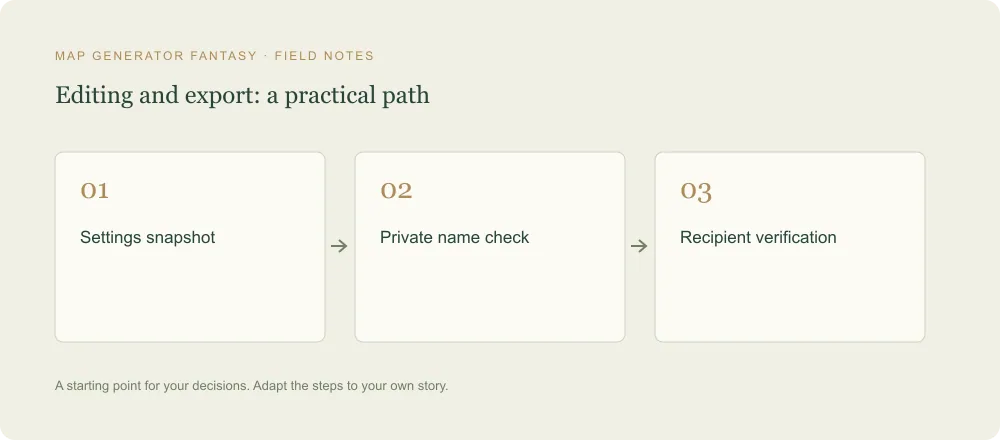
Use the final review checklist before distributing your own link, then return to the fantasy map maker for focused revisions. A dependable share workflow is small: save, identify the audience, copy the complete state, test the result, and explain what the recipient should do.
Give the idea a world of its own.
Try the technique in the generator, then save an editable copy so you can return to your work.
Open the map maker ↗