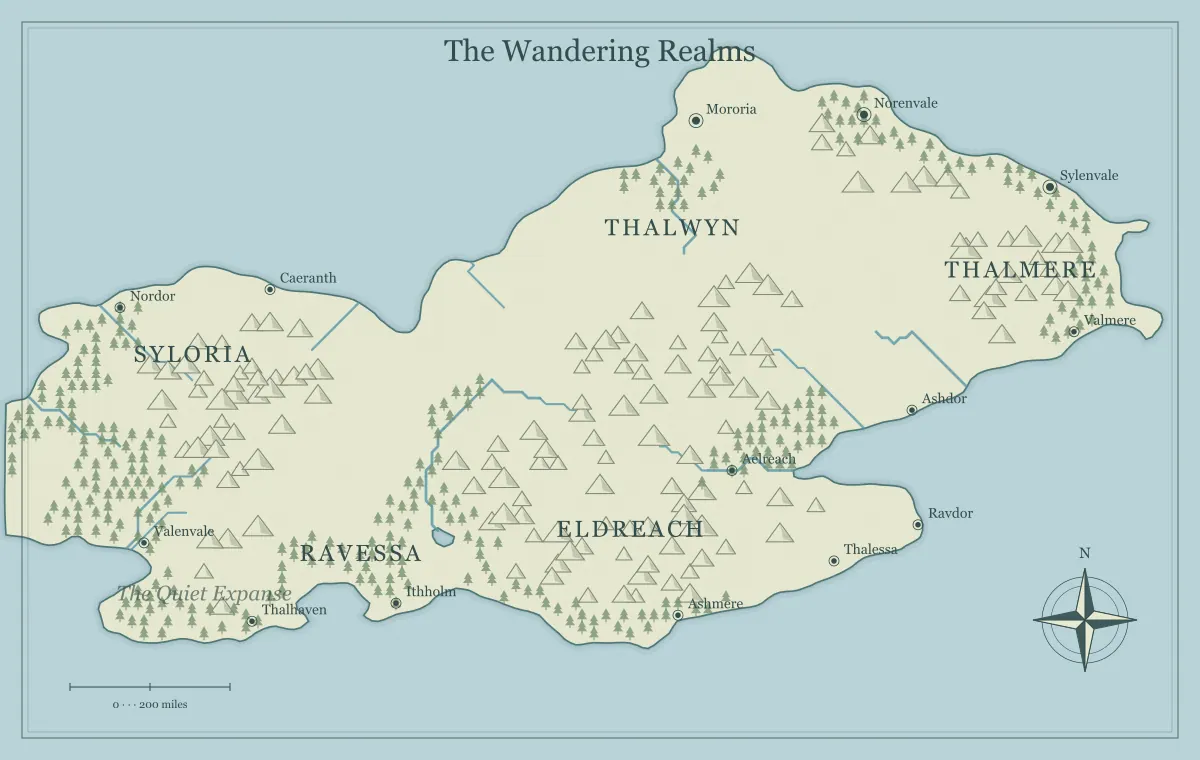
A fantasy map is ready to share when it serves its intended audience and the actual distributed artifact has been reviewed. An attractive browser preview is useful, but it does not prove that a printed booklet, shared link, tabletop image, or editable source contains the right information. Final review connects those parts: purpose, geography, names, audience, files, and destination. It should be a manageable sequence of practical checks rather than a search for a perfect imaginary world.
This guide reviews a fictional map called the Emberwatch Reach before a campaign release. The creator has an approved baseline, renamed towns, a supported castle addition, a player image, and a private source. The same process can be adapted to a novel, a worldbuilding collaboration, or a personal project. The review ends with a clear edition and a record of what was checked, not a promise that the setting will never change.
Restate the purpose in one sentence
Begin with the map's actual job. Emberwatch will help players plan travel from a starting town through a pass to a coastal destination. It is not a tactical encounter board or a complete political atlas. This sentence identifies the information that matters most and helps distinguish a material problem from optional decoration. A misspelled destination name matters more than an incidental forest symbol you might prefer elsewhere.
Check that the intended audience and use have not changed since the project began. A planning map for the creator may contain details unsuitable for a player handout. A map designed for a large screen may now be placed in a small booklet. A change in destination can require another typography and file review even when the geography remains approved.
The planning checklist provides the starting questions. Final review returns to their answers. If the map no longer supports the agreed purpose, revise the necessary parts before adding more decorative finish.
Check geographic relationships that affect use
Review the relationships the audience relies on: which side of a river a settlement occupies, where a pass connects regions, how an island relates to the mainland, and which route reaches the intended destination. The generated illustration is a fictional starting point, not a surveyed geographic model. Your project notes should explain the assumptions that matter to the story or campaign.
For Emberwatch, the starting town is south of the river, the pass lies beyond the western road, and the coastal destination is reached after the hill journey. The creator checks that labels and notes still communicate those relationships. A name dragged away from its generated settlement marker should not imply that the settlement moved to the opposite bank.
Use the river guide, mountain guide, and scale guide when a relationship needs clarification. Final review should resolve the project-specific question rather than turning into a new requirement to scientifically simulate every feature.
Confirm names and consistency
Compare important names with the manuscript, campaign notes, location list, or notebook. Look for spelling changes, duplicated names, inconsistent short forms, and names that are easy to confuse. A correct label on the map can still conflict with an old name in a chapter or a shared session summary. Decide on the current form and update the references that matter.
Emberwatch's port was renamed from Ashhaven to Reedhaven during a typography pass. The creator finds the older name in the journey note and updates it. The change is also recorded in the edition log so a collaborator reviewing an earlier image understands the difference. Without that record, the collaborator might invent an explanation for two ports when there is only one.
The naming workflow and notebook guide help maintain this consistency. Do not assume generated names are unique in the wider world or suitable for every publication. Evaluate them for your own project and intended use.
Test label readability at the final size
Inspect the map at the size readers will actually use. Find the title, major regions, starting location, and destination without relying on editing zoom. Then inspect the busiest area more closely. Check for overlapping names, unclear associations, text lost against terrain, and very small important labels. A larger raster export can improve detail without making the same label physically larger in a fixed print placement.
Ask another reader to find three places without coaching them through the image. Their hesitation can identify a real usability issue. For Emberwatch, the reader confuses the port name with a nearby island. The creator moves the text closer to its intended marker and exports again. This is a more useful test than a broad question about whether the map looks attractive.
The typography guide explains hierarchy and placement. Apply a focused correction, then repeat the relevant check. You do not need to redesign every label because one association was unclear.
Review audience and secrets
Identify exactly what will be distributed: a picture, a share link, an editable file, a notebook excerpt, or a combination. Review every artifact for information the audience should not receive. A player image may hide a location while the source or accompanying text still reveals it. Visibility in one preview is not a security boundary for the whole handoff.
Emberwatch's private source contains a hidden shrine. The players receive an approved fixed image and a short route summary. The creator reviews both, keeping private history in the creator notebook. A collaborator receiving editable state gets a separate message identifying its restricted audience and review purpose. The files are not casually interchanged because they share geography.
The audience edition guide and hidden worlds guide explain this planning. A final review is strongest when it inspects the actual information being handed over rather than only the recipient's expected behavior.
Check supported edits against the decision list
Compare the map with the approved editing batch. Important renamings should be present, added landmarks should occupy the intended locations, and removed labels should be absent from the picture where appropriate. Distinguish generated terrain from supported labels and extras. Moving a generated name does not move the underlying terrain or settlement marker.
Emberwatch's castle addition represents a watch station. The creator checks its relationship to the hill approach and the separate text label. The symbol does not establish a building interior, exact tactical dimensions, or every historical detail. Those belong in other artifacts. The map succeeds when the reader understands the useful geographic role.
The editing guide explains the available operations. If a required change exceeds the generator's capabilities, use an appropriate external workflow and retain its working source. Do not describe a missing geographic edit as complete merely because a label now says what you wanted.
Verify the editable source
Save the current supported map state as a JSON file and confirm you can locate it. Reopen the downloaded edition deliberately after preserving any current work that matters. Check a few distinctive edits: the title, a renamed place, a moved label, and an added element. A familiar coastline alone does not prove the supported edits were preserved.
Keep an approved fixed image alongside the source. The JSON serves continued generator editing, while the picture records the appearance reviewed for a particular release. A seed is useful context but is not a complete version record. Browser storage can be convenient, but it is local to the browser environment and can be cleared or unavailable.
The saving and reopening workflow gives a practical recovery test. If extensive artwork changes were made in another application, retain that application's editable source too and identify where the current production work lives.
Inspect the actual export
Open the downloaded image rather than assuming it matches the last preview you remember. Check the title, names, display choices, audience, and important landmarks. For raster files, verify the actual pixel dimensions in the receiving application or file properties. For SVG, inspect the imported artwork and text in the program that will use it.
Text can be affected by font availability in an external vector workflow. A long name that fits in the browser may become wider after substitution. A raster picture does not require the same text handling after download, but it can still contain an overlap that existed when it was rendered. The file format changes the inspection questions, not the need to inspect.
The format comparison explains the roles of PNG, JPG, SVG, and the separate JSON source. Name exports for their purpose so a small review image cannot be mistaken for the approved publication artifact.
Test the destination
For print, place the map at its intended physical size and review an actual-size sample where practical. Confirm the production provider's current requirements for the actual job. For a tabletop reference, inspect the intended player view and interface arrangement. For a website or document, check the image placement, description, and ordinary viewing size in that destination.
Emberwatch's creator tests both a monochrome packet and a tabletop reference. The packet uses a small place key because some incidental names are omitted. The tabletop view is reviewed with the group's usual panels visible. These are separate checks because a good print placement does not prove the same map works inside a crowded digital interface.
Use the print guide, monochrome guide, and tabletop guide for the relevant workflow. Do not claim an untested destination is ready because another export looked good.
Review links and handoffs
If distributing a share link, preserve the complete fragment and test the result. Check that the expected settings and supported edits load rather than a fresh world. A link preview showing the website title does not prove the map state survived the communication channel. Long links can be handled differently by destinations, so provide an appropriate alternative where necessary.
Explain what the recipient should do. A player edition for the next session, a draft for naming comments, and an editable source for a collaborator are different handoffs. The website does not automatically synchronize collaborator changes. Agree on who maintains the current edition and how proposed changes return to that person.
The sharing guide and collaboration workflow describe these details. Technical correctness and clear communication work together: the right link can still cause confusion if nobody knows whether it is approved or provisional.
Provide textual context
Write a caption or short description explaining what the map represents. Include the relevant period or edition when the setting changes over time. If understanding geography is necessary, provide a useful place list or route summary rather than relying entirely on the image. Readers may have difficulty interpreting visual terrain, be using a small screen, or encounter a reduced copy.
Emberwatch's player description identifies the starting town, the pass, and the coastal destination. It explains the broad travel relationship without exposing the shrine. This text gives another route to the important information and helps players refer to places consistently. It does not need to catalogue every decorative feature or repeat the full creator notebook.
Review descriptions after a map revision. An old caption can contradict an otherwise correct new image. Match the text to the actual edition and destination so the distributed artifact remains coherent as a whole.
Record the release
Give the reviewed release a clear identifier and record which artifacts belong to it. Emberwatch player 02 has an approved PNG, a monochrome packet placement, a tabletop upload, and a route summary. Its creator source is identified separately. A short log notes the port rename and the corrected label position. That record is enough to understand the release without retaining every editing gesture.
Keep unresolved optional ideas outside the approved release record. A possible new island can remain a proposal without delaying a map that already serves the current adventure. If an unresolved issue affects the audience's basic task, address it before distribution. This distinction prevents final review from expanding endlessly while still protecting the work's essential purpose.
Return to the fantasy map maker for the next focused revision when the project changes. A finished edition can coexist with an evolving world. Final review makes that edition useful and identifiable: its important places are clear, its files are verified, its audience is respected, and the actual artifact has been checked where people will use it.
Give the idea a world of its own.
Try the technique in the generator, then save an editable copy so you can return to your work.
Open the map maker ↗