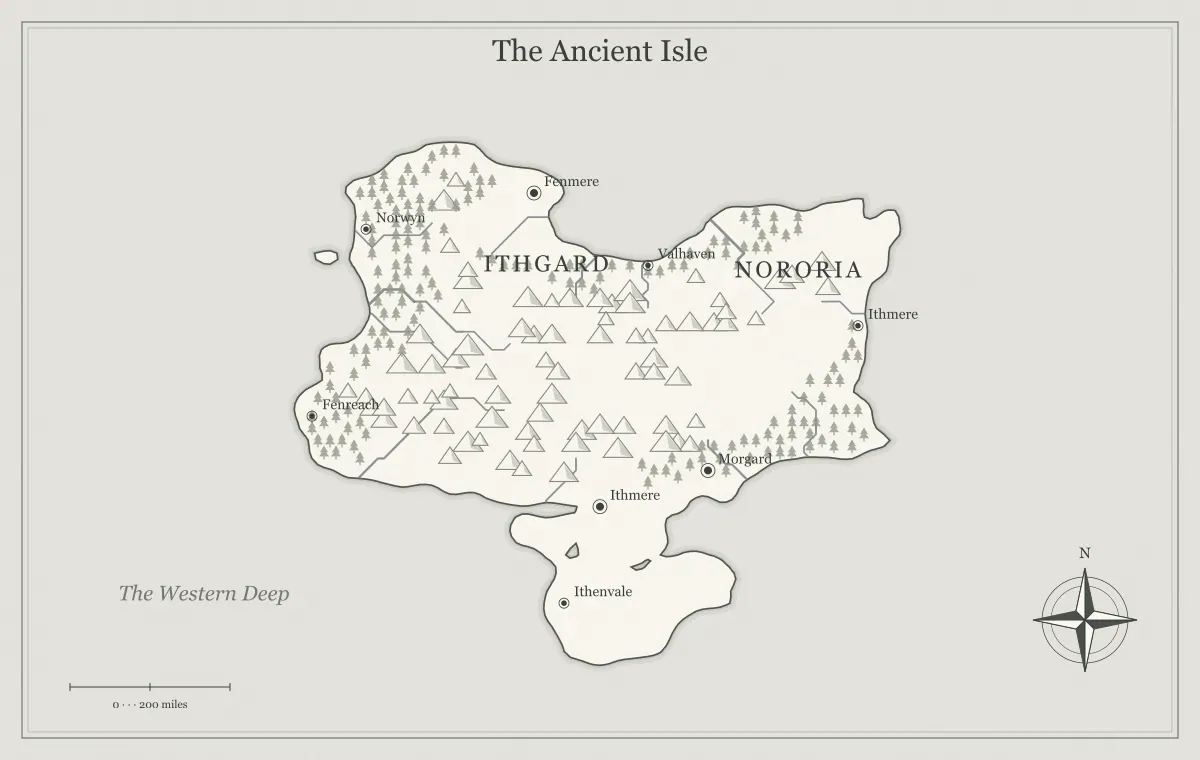
Choosing an export format is a decision about how your fantasy map will be used next. A PNG may be ideal for a clear campaign handout. A JPG may be convenient for a small preview. An SVG may suit further artwork adjustments in a vector editor. None of those picture formats replaces the editable map file used by this fantasy map maker. Before downloading, identify the destination, the size at which readers will see the map, and whether you expect to revise the generator's settings later.
This guide follows a fictional map called the Willowmere Coast through three destinations: a private review message, a printed adventure booklet, and an artwork editing session. The geography stays the same while the export choice changes. That distinction helps avoid a common mistake: assuming a single file is automatically the best preview, publication image, editing source, and backup. You can save several useful versions without making several different worlds.
Ask what the destination accepts
Start with the actual place where the file will go. A document layout, chat application, website image field, and tabletop platform may accept different formats or impose different limits. Read the destination's current upload instructions when you are ready to use it. Do not choose an unfamiliar format solely because it sounds more professional. A technically capable file that the recipient cannot open is a poor handoff.
Write down three requirements: accepted format, practical dimensions, and whether further editing is expected. For Willowmere's private review, the group needs an image everyone can view quickly. For the printed booklet, the layout needs sufficient detail at the chosen physical size. For vector editing, the artist wants shapes and text they can inspect. These requirements lead to different exports from the same generator state.
The general export workflow covers the sequence from review to saving. This article focuses on format choice. Resolve that choice before creating a large collection of downloads, so filenames describe meaningful editions rather than a series of attempts whose purpose you can no longer remember.
Understand the basic difference
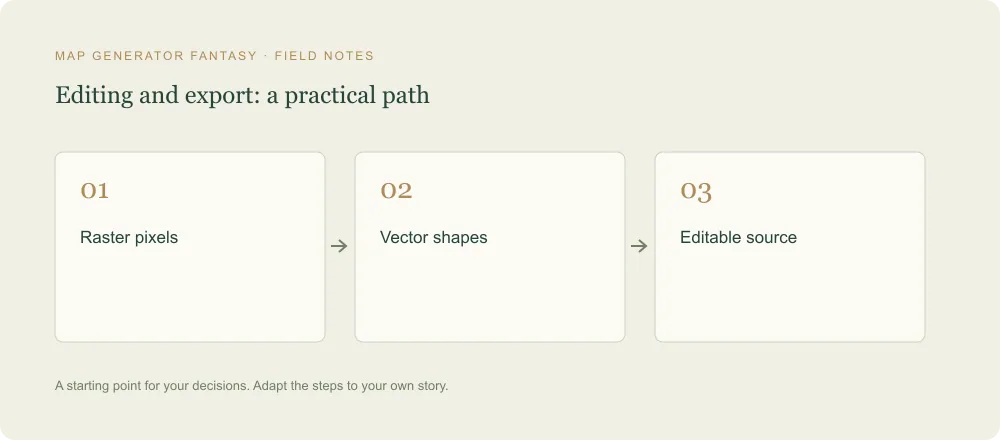
PNG and JPG store raster images: the picture is represented by pixels. SVG describes vector artwork, including shapes and text. MDN's image format guide describes PNG as useful for precise image reproduction, JPEG as a lossy still-image format, and SVG as a vector format that suits drawings at different sizes. These broad distinctions explain why a map with fine lines and many names deserves a closer inspection than a casual photograph preview.
The practical question is what information must survive your next step. If the map will be viewed as a fixed image, a raster file can be straightforward. If you need to inspect individual vector elements in a compatible editor, SVG can be useful. If you need to reopen settings, renamed places, and supported extra elements in this website, save the editable JSON separately. SVG is an artwork export; it is not the generator's reopenable project format.
Willowmere's creator saves an editable file first, then exports the appropriate image for each use. This small order of operations keeps the project recoverable even if the published picture is flattened, compressed, renamed, or inserted into a larger document. The map source and its presentation are related artifacts with different jobs.
Choose PNG for a clear fixed image
PNG is a practical starting choice when small lettering, terrain lines, and distinct symbols matter. This generator offers raster resolution multipliers based on a 1200 by 760 drawing. At 1×, the output is 1200 by 760 pixels. At 2×, it is 2400 by 1520. At 3×, it is 3600 by 2280. At 4×, it is 4800 by 3040. Choose the dimensions that support the intended use rather than assuming the largest option is always necessary.
For Willowmere's booklet, the creator starts with a PNG and checks the smallest meaningful place name in the layout. The exported image keeps the map as a fixed picture, which makes it easy to review the appearance the reader will receive. The important test is not whether the downloaded file looks impressive when enlarged on a large screen. It is whether the labels remain legible at the final placement size.
The PNG includes the map background and visible details as rendered. Do not expect a transparent coastline cutout, independently editable city layers, or automatic separation of text from terrain. Those are different production tasks. If the destination requires a particular background treatment or print preparation, use an appropriate editing or layout workflow and inspect the resulting file again.
Choose JPG for a reviewed preview
JPG can be useful when you want a conventional picture file and are trying to keep a preview manageable. File size depends on the particular map, dimensions, and image content; do not promise an exact reduction without checking the actual downloads. Fine lettering and textured terrain deserve review because compression can affect their appearance. A smaller file is helpful only if it still communicates the detail the recipient needs to assess.
Willowmere's creator sends a JPG to ask the group whether the coastal settlement names are memorable. Before sending it, the creator opens the saved file and checks those names. If compression makes two short labels hard to distinguish, the preview has failed its purpose even if the coastline remains attractive. A PNG may be more suitable for that review, or a simpler map edition may be needed.
Avoid repeatedly opening and resaving a JPG as the main editing workflow. Keep the approved source or a suitable working file available and create the distribution image from that source. The audience may only need the final preview, while the creator needs a reliable reference for future exports. Name the preview clearly so nobody mistakes it for the editable project.
Choose SVG for vector artwork work
SVG is useful when the next step involves a compatible vector editing application. The export represents the generator's shapes, symbols, and text rather than a fixed raster grid. You may be able to adjust artwork after import, depending on how the application interprets the file. Inspect the imported result before investing substantial work. A destination can change grouping, effects, text layout, or other presentation details during its import process.
The resolution multiplier does not create a new larger raster picture when SVG is selected. The generator downloads its vector rendering directly. That means selecting 4× is relevant to PNG or JPG pixel dimensions, while an SVG's displayed or printed size is determined in the environment using it. A vector file still needs a sensible physical size, readable labels, and an appropriate page layout.
SVG is not an unlimited world editor. Exporting the illustration does not produce a terrain simulation or preserve all possible geographic relationships as editable project data. It also does not let you import arbitrary SVG changes back into the website as a saved map. If you make extensive artwork changes elsewhere, keep that application's working file as well as the generator's earlier JSON source.
Check lettering after leaving the browser
Text appearance can depend on the fonts available in the program opening the artwork. If an SVG's chosen font is unavailable, the destination may substitute another, changing line lengths, spacing, and the balance between names. This can create overlaps that were absent in the browser preview. Open the exported file in the actual destination and inspect longer labels, not only the title.
Willowmere includes a long bay name beside a narrow stretch of coast. A substituted font makes that name wider, pushing it over a nearby island label. The creator can choose a different font in the editing application, adjust placement, or prepare a final edition with text converted to outlines where the application supports it. Preserve a working copy with editable text before using such a final production step.
Do not assume a raster export has the same font dependencies after it is downloaded; its lettering is already represented in pixels. Nevertheless, inspect it for clipping and unintended overlaps that were present at export. The label typography guide helps you solve the design problem before format conversion complicates it.
Keep the editable JSON alongside the image
Use Save editable map from the file options menu to download the generator's project data. That JSON preserves supported settings and edits so you can reopen them through Open saved map. An image export serves a different purpose. You cannot replace a lost editable project simply by uploading the PNG or JPG back to this generator. The website does not offer an image-to-project reconstruction workflow.
For Willowmere, the folder contains a generator JSON, an approved PNG, a review JPG, and an SVG for artwork work. The filenames share an edition identifier. A short note states which image was approved for the booklet. This arrangement is clearer than naming all four files final, because each file has a purpose and the group can identify the edition behind it.
Read the saving and versioning guide before relying on browser storage. Local storage is convenient for returning to a recent map, but clearing site data or changing browsers can remove access to that local state. A downloaded project file under your control is a more deliberate part of the workflow.
Compare an export against the approved map
After downloading, open the actual file. Check the title, important names, symbols, boundaries, and intended audience. Verify the dimensions of a raster image using the receiving program or file properties. The download filename helps identify the map but does not prove that the content matches your intended edition. A map changed immediately before export may include an unreviewed label or hidden secret.
Compare the exported picture at the size people will use. A virtual tabletop may display a world map as a reference panel rather than a full-screen illustration. A booklet may place it on a smaller page than the original planning sketch. A chat preview may shrink it considerably. In each case, test the smallest piece of information the audience actually needs.
The tabletop preparation guide and print resolution guide explain destination-specific checks. Format choice is only one part of preparation. A technically valid file can still be difficult to read, contain the wrong information, or be placed at an unsuitable size.
Handle an export problem without losing the project
If a large raster export fails, save the editable map first. Then try a smaller raster multiplier or SVG as an alternative appropriate to your next task. A failure does not necessarily mean the map's settings are lost. It may relate to the browser environment or the work needed to produce the download. Keep a record of which format and size failed so the problem can be described clearly.
Do not repeatedly generate new geography to fix an export problem. Generation changes the project and can discard supported manual edits from the current map state. The problem may be in the download step rather than the geography. Preserve the state, change one export choice at a time, and examine the resulting file before trying another approach.
If an SVG opens differently in a receiving program, compare it with a PNG of the same edition. That comparison helps identify whether the issue concerns font substitution, effects, or the map itself. A fixed image reference is useful when asking an artist to repair an imported vector file because it shows the intended appearance without requiring them to guess.
Finish the Willowmere handoff
The review group receives a checked preview and a short question about names. The booklet designer receives the approved PNG at a size selected for the planned placement. The artist receives the SVG and a PNG reference explaining the intended lettering. The creator retains the editable JSON and a note identifying all three handoffs. Nobody has to infer whether a file is a source, a preview, or a publication image.
When another edition is prepared, export it from the intended source and repeat the review. A previous good result does not guarantee that a new label, palette, or destination will behave identically. The process remains small: save, choose the format for the destination, inspect the actual result, and name the edition. That routine is easier than repairing an ambiguous handoff after a map has already been distributed.
Return to the fantasy map maker with a specific destination in mind, and use the final map review before sharing. PNG, SVG, and JPG are useful options when their roles are clear. A good export is the file that lets the next person use the map reliably, while you preserve the source needed to keep creating.
Give the idea a world of its own.
Try the technique in the generator, then save an editable copy so you can return to your work.
Open the map maker ↗