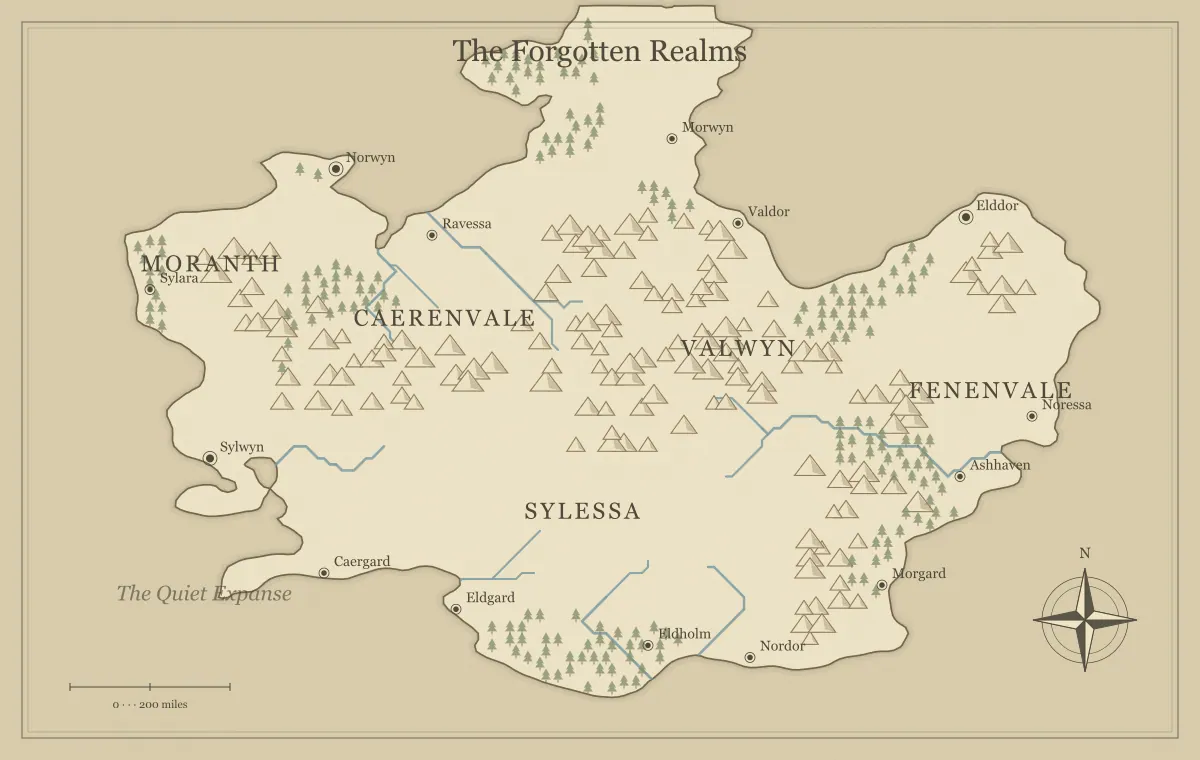
Improving a generated fantasy map does not always require a new world. Often the underlying geography is useful, while the actual problem is a crowded label, an unclear route, or a style that does not fit the destination. Regenerating everything can erase the parts that were working and replace a small editing task with another large selection process. Controlled iteration begins by identifying the failure and changing only what is needed to resolve it.
This guide follows a fictional region called the Hollow Coast through several revisions. The first draft has a suitable harbor and ridge, but its names and handout hierarchy need work. Open a map in the fantasy map maker, save its editable file, and choose a concrete problem to solve. The goal is a better approved version with a clear reason for each change, rather than an endless collection of almost-finished alternatives.
Describe the problem before touching a control
Write a sentence explaining what the audience cannot do. “Readers cannot find the home port quickly” points toward label hierarchy. “Players cannot understand why the mountain route is risky” points toward information and explanation. “The map does not feel right” may reflect a real concern, but it is too vague to tell you which control will help. Translate that impression into a visible or narrative problem first.
For the Hollow Coast, the home port is named Hollowsend, but its label is small and surrounded by terrain symbols. The coastline itself supports the story. A new seed would not directly solve the problem of emphasis. Begin with the label and composition. The quality checklist separates purpose, geography, movement, labels, and delivery so you can identify the category of failure instead of treating every concern as a terrain issue.
Preserve a baseline you can compare
Download an editable JSON file and a reference image before substantial revision. Name them clearly, such as hollow-coast-baseline-v1. This gives you a recoverable working state and a fixed visual record. A baseline is especially useful when you have already renamed places or added landmarks, because the seed alone may not preserve those manual decisions.
Write a brief note about what already works: the harbor location, ridge barrier, and nearby island. Those strengths become constraints for the revision. If the next version improves a label but damages the geographic relationship you needed, you can recognize the tradeoff instead of accepting change merely because it is new. The editable file guide explains how to inspect saved projects, and the seed guide explains the role of the starting inputs.
Try the smallest effective change
For a label problem, begin with text, size, color, or position using the supported editor. For a readability problem, compare a clearer style. For an audience problem, remove or separate information. These changes are smaller than generating a different coastline and often solve the concern more directly. A small change is not automatically better; it is better when it addresses the actual failure without discarding useful work.
On the Hollow Coast, shorten the ceremonial port name to Hollowsend, move it into open space, and inspect it at handout size. The full formal title can remain in the notebook. If this makes the starting place easy to find, the revision succeeds. Do not keep increasing the label just because the control allows it. The typography guide connects label adjustments to hierarchy rather than treating every name as equally important.
Change one meaningful variable per comparison
A comparison becomes difficult when you change geography, labels, density, and style simultaneously. You may prefer the new map without knowing why, or reject it because one unrelated change weakened the result. Keep most inputs stable while testing a specific decision. If you are comparing Parchment and Atlas, use the same working geography and important edits as far as the current tool permits.
Export both candidates at the same size and review them against the same question. “Which makes the river route clearer on a phone?” is a focused comparison. If changing a setting affects more than appearance, inspect that effect and record it. The style guide explains presentation comparisons, while small-screen use reminds you to judge the output in the environment where the audience will see it.
Recognize when geography really must change
Sometimes the terrain is the problem. If the brief requires an enclosed island but the chosen map shows a continental region, label edits cannot create the intended boundary. If the adventure depends on two separated ports and the geography offers no meaningful sea passage, the frame may need reconsideration. Identify that structural mismatch clearly so regeneration becomes a deliberate revision rather than a reflex.
Before starting again, ask whether a different interpretation can satisfy the brief without forcing it. The ridge might become a seasonal barrier instead of a permanent wall, or the nearby island might replace a distant destination. If that interpretation weakens the story, choose a better candidate and transfer only the decisions that still apply. The map type guide helps diagnose frame problems that no amount of local polishing will solve.
Branch when two valid uses need different maps
Not every difference should be resolved into one universal version. A private planning map and a public handout may both be correct for their audiences. Branch the working file when they need different information. Hollow Coast private can show the concealed island landing; Hollow Coast player can show only the known port and rumored route. Keep the geography consistent while reviewing the information separately.
Use filenames that make the audience obvious and inspect each exported version before distribution. Do not rely on remembering which browser state contains the private markers. The player and DM guide provides an information audit. The same principle applies to a novel overview and an author's spoiler-rich reference: a branch is useful when it supports a distinct purpose, not merely because you are reluctant to choose a palette.
Ask for feedback that can change a decision
Give a reviewer a specific task without telling them the answer. Ask them to locate the starting town, explain the two likely routes, or identify the largest barrier. Their response reveals whether the map communicates the intended information. A broad question such as “Do you like it?” may collect preferences but does not necessarily help you improve the map's function.
Record observations rather than debating every opinion. If several people mistake the realm name for a sea name, that suggests a hierarchy problem. If one person prefers blue while another prefers brown, the destination and brief can resolve the preference. Feedback is strongest when it shows a repeatable misunderstanding. The collaborative worldbuilding guide explains how to manage shared decisions and keep one approved version when multiple people contribute.
Use undo and saved files for different risks
Undo and Redo help compare recent supported edits within the working session. Use them when a moved label or added landmark makes the map worse. A saved editable file addresses a larger risk: recovering a project after leaving the session, clearing data, or making several rounds of changes. These are complementary safeguards rather than interchangeable features.
Save a new version before a substantial editing pass, especially when you are preparing a public and private split. If you use Undo to reject an experiment, verify the visible result before exporting. The current screen can look familiar while one later change remains. Keep a short revision note such as “v2 clarifies the home port and removes private landing.” That note makes the approved difference easier to identify than a vague filename like latest-final.
Review at the final size after each useful pass
Zoomed editing can hide composition problems. After changing the harbor label, return to the full view and inspect the map at the intended display size. Then open an export if the destination differs from the editor. The question is whether the audience can now perform the task that failed, not whether the changed element looks impressive in close-up.
For the Hollow Coast, print a small test if the handout is physical, or view it on a phone if the map will circulate in chat. A revised font size may help in one environment and crowd another. If the issue is an export artifact, address dimensions or format rather than repeating visual edits. The export guide explains how to diagnose the delivered file separately from the working preview.
Define a stopping condition
Before the revision pass, write what would count as success. “The port is easy to find, the pass label does not collide, and the player export contains no private landing” is a useful condition. Once those items are verified, approve the version. Keep optional ideas in a future list so an extra forest symbol does not postpone a usable map indefinitely.
A stopping condition does not prohibit future improvement. It distinguishes a finished version from an ongoing project. Your setting can grow after a session or chapter introduces a new need. The final review guide adds publication checks, while campaign maintenance covers updates that follow actual events. Finish the current job before beginning the next one unless a discovered failure prevents delivery.
Record the Hollow Coast comparison
A useful revision note can contain three observations. In the baseline, Hollowsend is hard to locate because its label sits among trees. In the candidate, the label moves into open space and gains slightly more emphasis. In the printed test, another reader finds the port before noticing the secondary villages. Those observations support approving the change without requiring a general claim that the new map is better in every possible respect.
If the same reader now misses the river crossing, inspect whether the moved label caused that problem. Revise the placement again or choose a more suitable open area. Controlled iteration includes checking local side effects, not merely confirming that the edited feature improved. Keep the successful candidate when both the port and crossing communicate clearly.
Keep a small revision history
Retain the baseline and the approved successor for important changes. Record the problem, the correction, and the result in a few sentences. “The harbor was difficult to locate; its label was moved and clarified; the printed overview now reads correctly” is enough. You do not need a detailed log of every click. The history should help you understand why the map changed months later.
Controlled iteration lets a fantasy map generator remain a creative aid instead of a machine for endless restarts. The Hollow Coast can keep its useful geography while gaining clearer labels, appropriate information, and a verified export. When you know what failed and what evidence would show improvement, you can revise decisively, preserve the work that already succeeds, and deliver a map people can actually use.
Give the idea a world of its own.
Try the technique in the generator, then save an editable copy so you can return to your work.
Open the map maker ↗