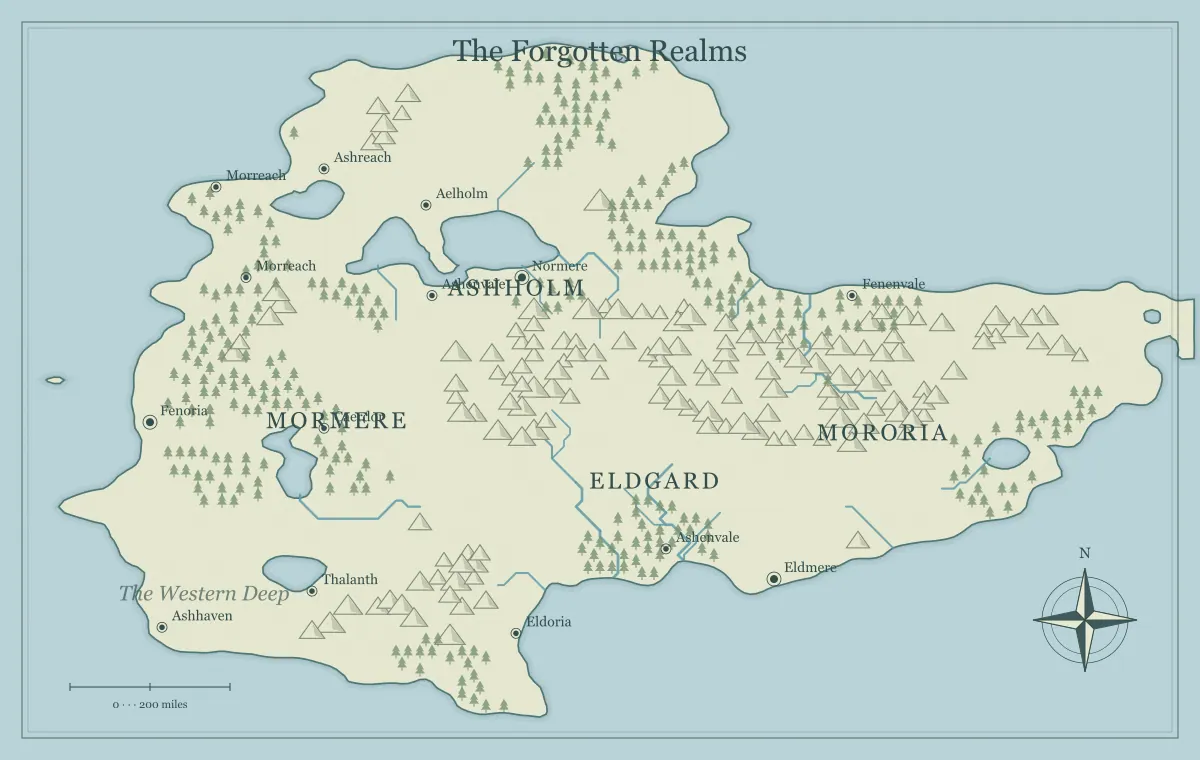
Using a map maker for fantasy becomes easier when the work has clear stages. Without a workflow, it is tempting to regenerate terrain whenever a label feels awkward, choose a new style before the geography is settled, or export an image before deciding who should see its secrets. These actions are individually simple, but changing everything at once makes it difficult to judge progress. A practical sequence lets you solve one kind of problem at a time while keeping the project recoverable.
This workflow follows a fictional map called the Copper Coast from a short brief to a finished handout. It works for a novel, a tabletop campaign, or a personal worldbuilding project. Begin with the map maker fantasy tool and a folder where you can save files. You do not need special project software. A few named versions and a small note about your decisions are enough to avoid losing useful work.
Stage one: define the job of the map
Write a short brief containing the audience, purpose, geographic scope, and intended destination. For the Copper Coast, the audience is a tabletop group, the purpose is choosing between coastal and inland routes, the scope is one region, and the destination is a printed player handout plus an online image. These four details tell you what the map needs to communicate and which details can wait.
Add two or three essential relationships. Our region needs a harbor connected to farmland, a ridge that interrupts the inland route, and an island that offers a nautical alternative. This is more useful than a long inventory of desired objects because the relationships explain the story. The beginner's guide helps turn a vague setting idea into this kind of brief, while the map type guide helps match scope to a world, island, or archipelago.
Stage two: select terrain against the brief
Generate a limited set of candidates and compare them against the relationships you wrote. A useful candidate does not need the most elaborate coastline. It needs enough space and structure to support the audience's decisions. For the Copper Coast, a simple harbor beside a river is worth more than a dramatic inland sea that has no role in the planned adventure. Keep the selection tied to a concrete purpose.
Save the chosen generation inputs and an early image before editing. Use a name such as copper-coast-terrain-v1 to identify the stage. Record the seed and relevant settings so you understand the starting point. A seed alone does not preserve every future manual edit, so treat this record as one part of the archive. The seed guide explains repeatability, setting changes, and why exported working files remain important.
Stage three: establish geographic logic
Before naming every town, review the largest physical relationships. Where does water flow? Which ridges interrupt travel? Where could ships shelter? Which areas plausibly support dense settlement? You do not need to simulate every natural process, but the geography should not contradict the essential story without explanation. If the capital sits far from water, decide what resource or infrastructure sustains it.
Write a few causal statements. “The river carries grain toward the harbor.” “The ridge narrows travel into one pass.” “The island landing is exposed to winter storms.” These statements turn shapes into setting constraints and help you avoid decorative clutter. The river design guide, mountain range guide, and city placement guide each provide a more focused review when one physical system is central to your map.
Stage four: choose the important locations
Select a small number of places that directly support the brief. The Copper Coast needs a home harbor, a destination across the ridge, a crossing settlement, and an island port. Each should have a distinct function. A place that only duplicates another town's role may be unnecessary at this scale. Keep minor settlements available for later expansion rather than naming every generated marker immediately.
For each selected place, write its purpose and one current situation. Copperhaven repairs ships but has lost access to inland timber. Vale Market sells timber but the pass road is damaged. Reed Crossing offers another route, though its ferry is controlled by a local association. These details connect location to choice. If you are building a campaign, campaign world preparation shows how to turn the same geography into factions, rumors, and locations that can respond to player actions.
Stage five: name and register the essentials
Create names for the features the audience will discuss first. Keep major town names distinct in sound and length. Repeated roots can signal a shared history, but too much similarity makes a map harder to use. Copperhaven, Vale Market, and Reed Crossing are easy to distinguish because they have different beginnings and obvious spoken forms. More unusual names can work too if they remain recognizable within the complete list.
Keep a name register outside the image. Record feature type, region, pronunciation if needed, and any important alias. This protects consistency when you revise chapters or session notes. A map label can remain short while the notebook holds a ceremonial title. Follow the naming guide for a systematic approach, or use the fantasy name generator for suggestions that you then adapt to your setting's sound and history.
Stage six: decide what each audience can know
Make an information decision before the final style pass. A public overview, a player handout, and an author's private reference may contain different landmarks and labels. On the Copper Coast, the public map can show the island port without showing the concealed smuggler landing nearby. Removing the name while leaving a distinctive marker may still reveal the location, so review the entire visual representation.
Save separate working versions when the difference matters. Use names that identify the audience, such as copper-coast-player and copper-coast-private. Do not rely on remembering which browser state contains which secrets. The player and DM map guide provides a checklist for visible information, rumors, and concealed features. For a novel, the same method helps avoid revealing a late destination or hidden relationship in the introductory illustration.
Stage seven: apply a readable presentation
Choose the style after the main information is stable. This makes it easier to judge contrast and hierarchy without continuously moving the goal. Compare the title, main places, rivers, and region names at the intended viewing size. If texture competes with labels, reduce the visual complexity or choose a clearer palette. The right style is the one that helps the reader use this particular map.
Interface dark mode and map artwork style are separate. A visitor can prefer a dark website while exporting a pale handout for print. Likewise, a colorful map may be useful for online discussion but weak in grayscale. Test the destination rather than assuming a pleasing editor preview guarantees a good result. The art style guide and label typography guide connect presentation choices to readability and hierarchy.
Stage eight: resolve local editing problems
Now inspect collisions and misplaced emphasis. A town label should not obscure a river crossing that is central to the story. A region name should not look like a settlement name merely because both use similar size. Move or shorten labels using the available editing controls, then review the overall composition. Small local corrections are often better than generating an entirely new world because one corner feels crowded.
Work in a short pass with a concrete list: fix the harbor label, clarify the pass, reduce crowding around the island. Save the edited file when those items are resolved. Avoid changing the terrain, names, and style at the same time unless a deeper problem requires it. The landmark editing guide covers purposeful marker changes, while controlled iteration explains how to keep revision from becoming endless experimentation.
Stage nine: export for the real destination
Download the editable JSON before the final picture. It preserves the supported working state for later changes. Then choose a picture format according to the destination. PNG is useful for crisp raster handouts, JPG can reduce file size at a cost to fine detail, and SVG supports scaling and some external vector workflows. Check the receiving application's support rather than assuming every format behaves identically.
Open the actual downloaded file and inspect it at the final viewing size. For print, set the physical dimensions and test the smallest essential labels. For an online group, check the image on a smaller screen. Keep the approved picture and working data together with matching filenames. The export guide explains these checks, and saving editable maps provides a recovery routine that works without an account library.
Stage ten: review against the original brief
Return to the four details you wrote at the beginning. Can the audience identify the important places? Does the map support the intended choice? Is the geographic scope appropriate? Does the exported file work in its destination? For the Copper Coast, the central test is whether someone can compare the inland and sea routes without a long verbal explanation. If that works, decorative additions should not delay delivery.
Ask another person to inspect the map without coaching them through it. Their first interpretation shows which elements communicate clearly. If they mistake a border for a road, revise that ambiguity. If they cannot find the main harbor, adjust label hierarchy. Feedback should address the map's job, not simply collect preferences about color. The final review guide turns these questions into a repeatable check before a handout or publication is released.
Maintain the map as the project grows
A finished map can still change. Save an approved version before major revisions and record the reason for the next one. A new trade route, a renamed kingdom, or an event in a campaign should have a short explanation in the notebook. This lets you distinguish intentional world changes from corrections to earlier mistakes. It also helps collaborators understand why two apparently similar exports differ.
Use the workflow again at the scale of the change. A spelling correction may need only editing and export. A new region may require a fresh brief and terrain selection. The stages are tools for clear decisions, not administrative tasks you must repeat mechanically. A map maker fantasy workflow succeeds when it keeps your attention on geography, audience, and story while leaving a reliable path back to the work you have already approved.
Give the idea a world of its own.
Try the technique in the generator, then save an editable copy so you can return to your work.
Open the map maker ↗