Choose your horizon
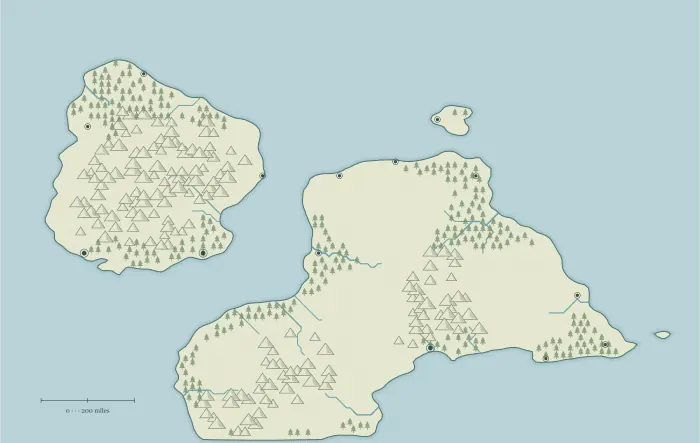
Start with a world, continent, island, or archipelago. Pick an art style that feels like your story.
Create an illustrated world for your next campaign or novel. Shape the terrain, name your places, and take your map wherever the story leads.
Find names for characters, settlements and kingdoms. Keep the sound of your world consistent.
Discover names 02 / BRING PLACES TO LIFEGive a village or city a population, a livelihood, a landmark and a story waiting to happen.
Create a settlement 03 / PLAN THE JOURNEYTurn distance and your chosen pace into travel days. Make the journey fit your campaign.
Plan a routeFrom a quiet island to a sprawling realm.
Find the right canvas for your next chapter.
Continents, distant kingdoms, and seas that lead to somewhere new.
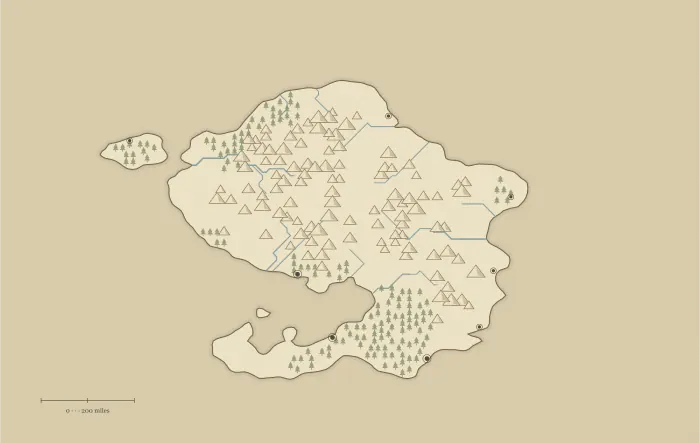
Uncharted shores for pirate tales, lost civilizations, and little escapes.
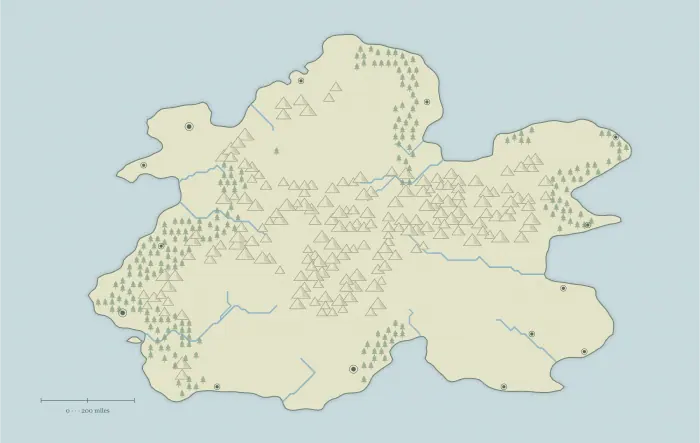
A place for your party to meet, get lost, and become the stuff of legends.
All you need is the beginning of an idea.
We'll help you put it on the map.
Start with a world, continent, island, or archipelago. Pick an art style that feels like your story.
Generate coastlines and terrain. Rename places, move labels, and add a castle at the edge of the world.
Download a map for your tabletop, novel, or worldbuilding journal. Save the editable version to return later.
Start small. Leave mysteries. Let a map inspire the next session.
Read the guide ↗THE ART OF NAMINGMemorable names turn a collection of places into a believable realm.
Read the guide ↗FROM SCREEN TO TABLEChoose a format and resolution for your next adventure.
Read the guide ↗Start with a world for distant kingdoms, an island for a bounded adventure, or an archipelago for journeys by sea. The map type changes the layout of the land. Art style changes its appearance. Try a few candidates, then keep a shape that gives your story somewhere useful to begin.
Rename a starting town, a destination and a barrier between them. Click labels to edit them, and use Add to map for an extra landmark. The terrain is an illustration to build on: you decide who lives there, what the borders mean and how difficult a journey becomes.
Download PNG or JPG for an image, or SVG for vector artwork. Save an editable map from the three-dot menu if you want to continue working later. A seed helps recreate a starting landscape; the editable file also preserves your settings and changes.
Explore the naming, settlement and travel tools alongside your map.
A little guidance for the road.
Yes. You can generate, customize, and download as many maps as you like, without an account or a watermark.
Yes. The original maps you create here can be used in personal and commercial projects, including novels, tabletop campaigns and games. You do not need to credit the generator.
A seed is a number that defines your geography. Keep the same map type and seed to recreate the same land. The Share button also includes your style, terrain settings, label changes and added elements in the link.
Click a name to change its text, size, font or color. Drag names and added elements to move them. Use the Add to map menu for new labels or landmarks. The three-dot menu saves an editable JSON file that you can open here later. SVG downloads can also be edited in vector design software.
Yes. The controls adapt to smaller screens. Pinch to zoom, drag to explore, or use fullscreen for more space. Maps are generated directly in your browser.
This tool makes fictional geographic maps for worlds and regional adventures. It does not create tactical rooms or square-by-square battle encounters. The scale bar is a storytelling reference, rather than a measured distance simulation.
Give it a world to call home.
Let's make a map ↗